
Users' Choice






22Bet Uganda Mobile App for Android & iOS 2026
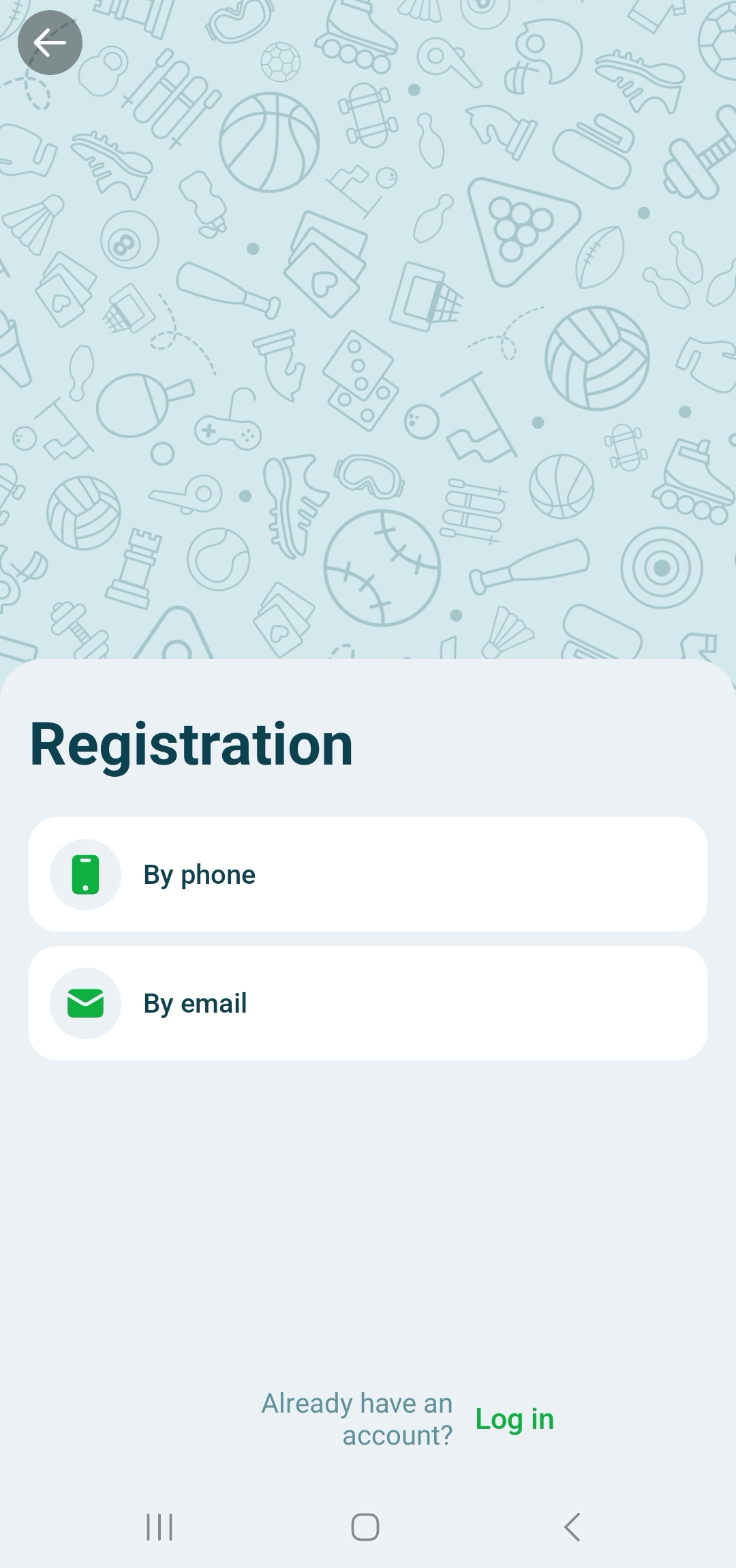
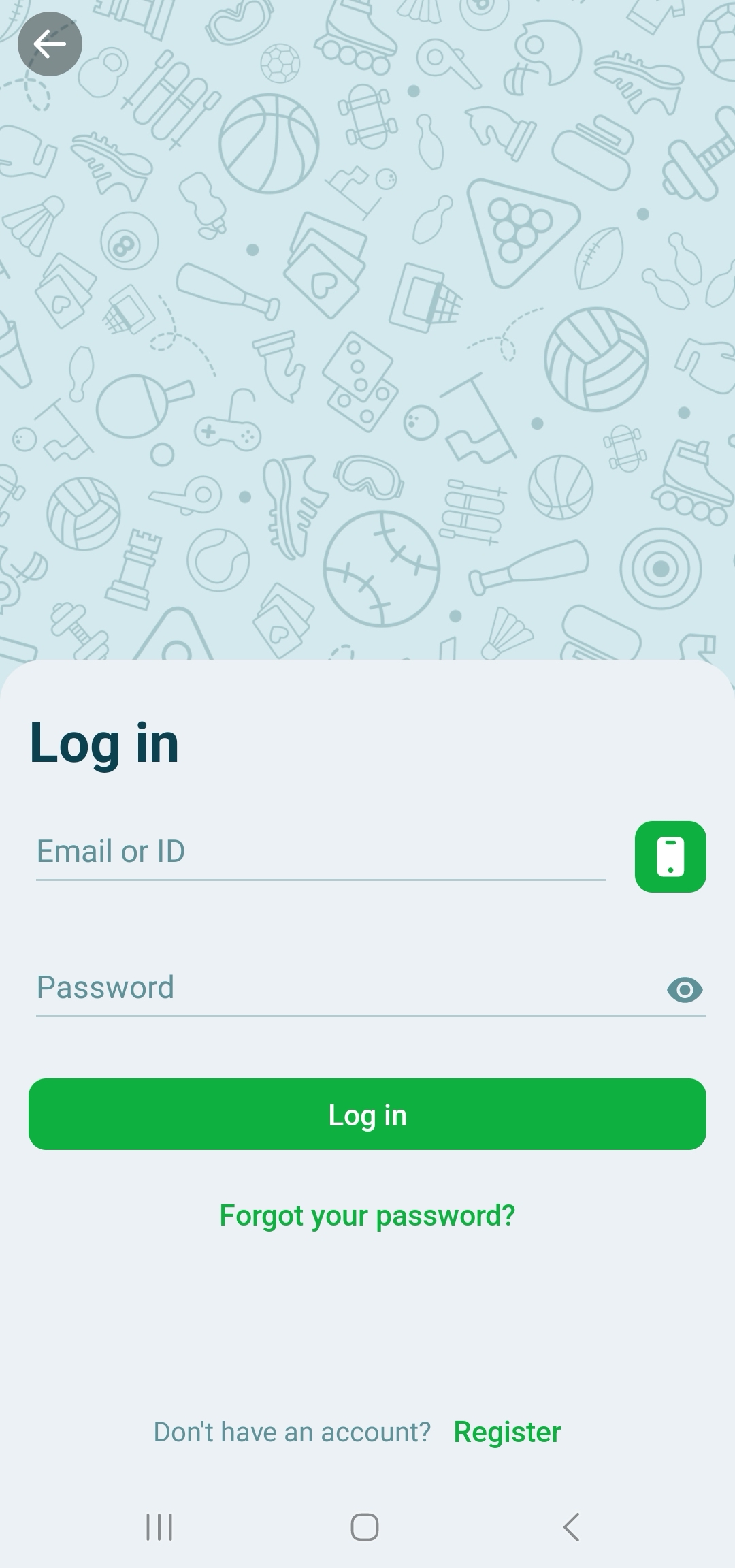
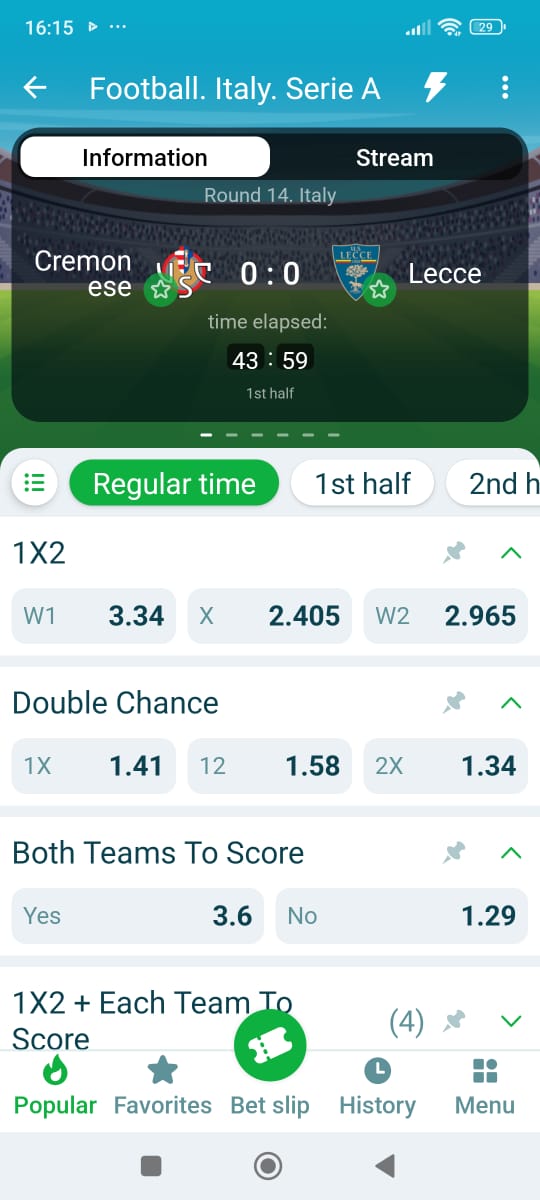
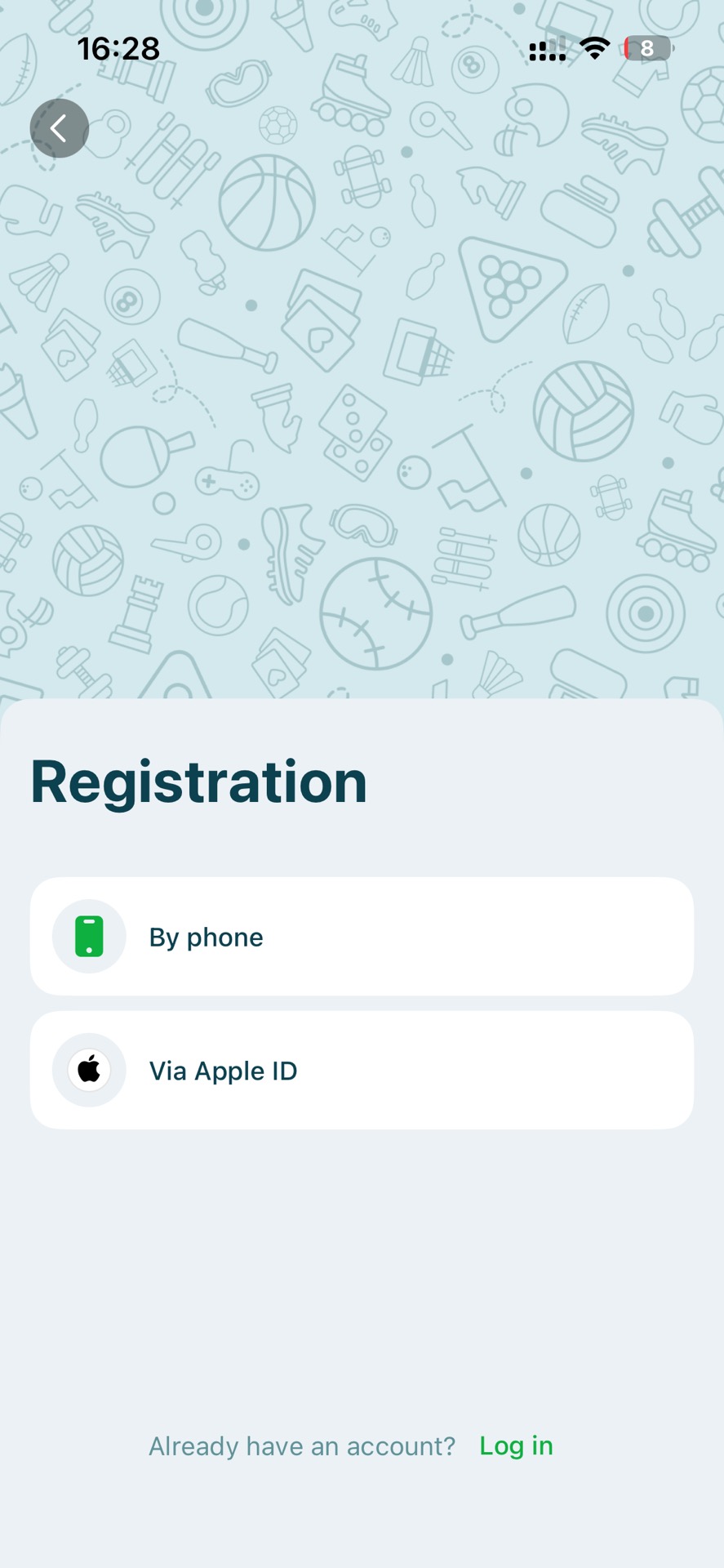
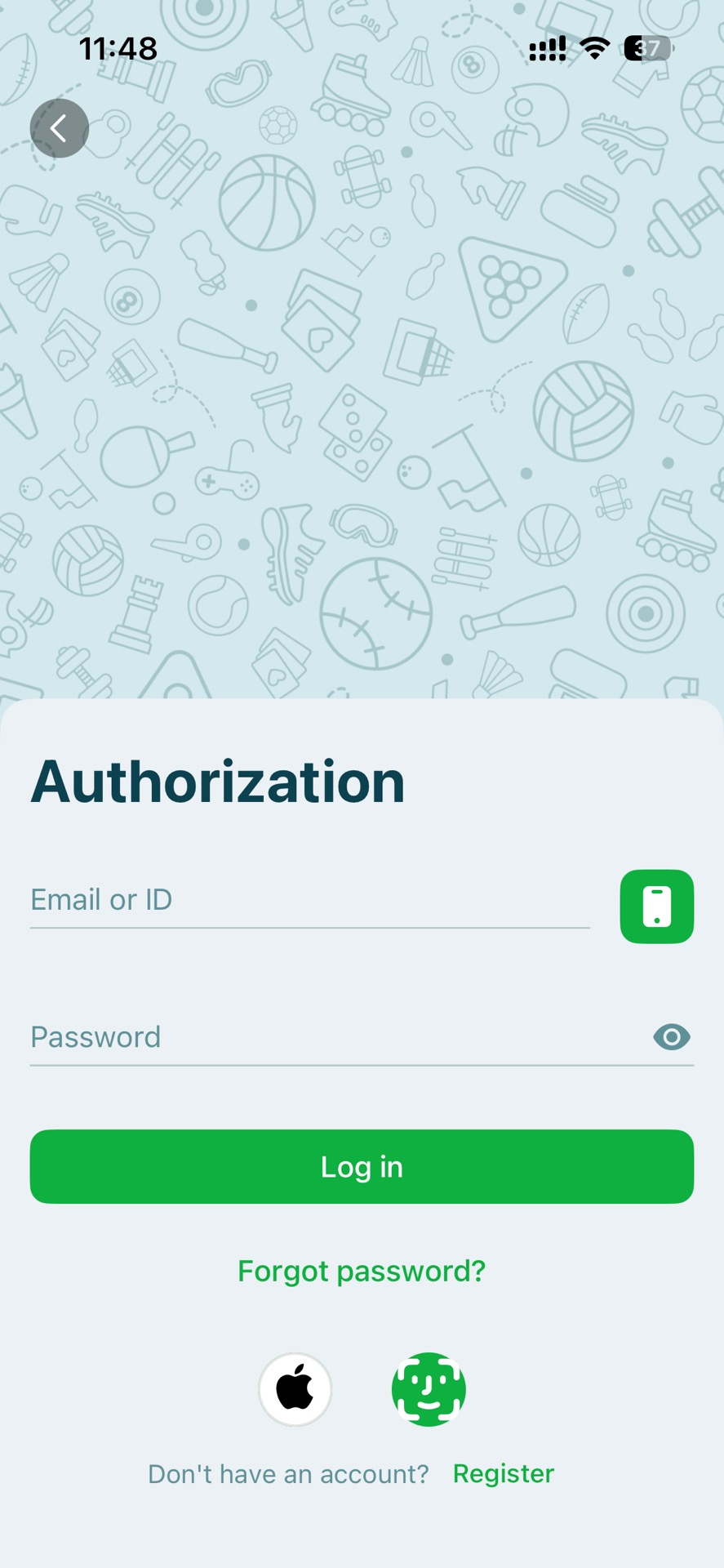
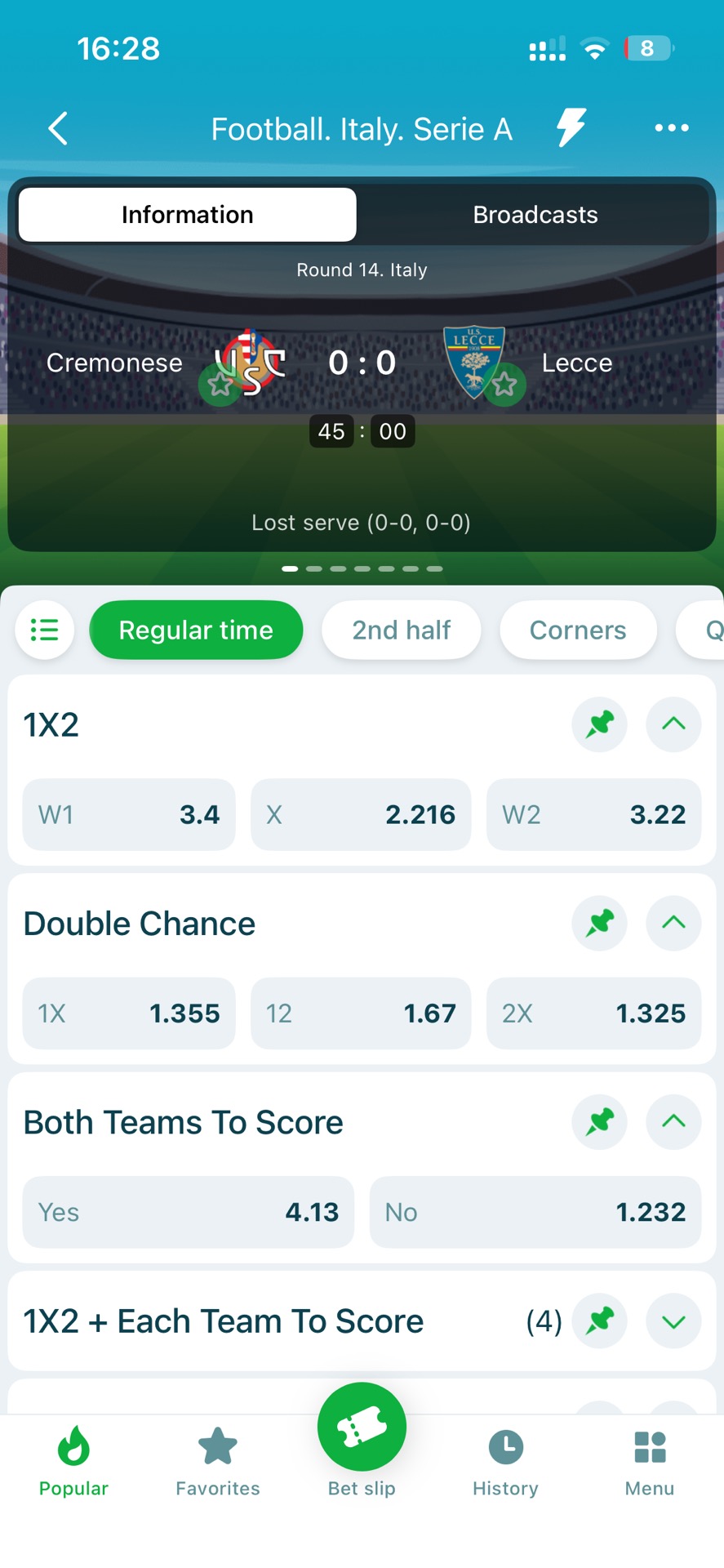
22Bet Uganda operates as a licensed betting and gaming platform in Uganda under the National Lotteries and Gaming Regulatory Board (NLGRB), established under Uganda’s Lotteries and Gaming Act 2016. The operator name shown on the official 22Bet Uganda legal notice is ARCADIA HOSPITALITY LIMITED, and the platform states it is authorised to operate under two NLGRB licences: NLGRB-BM-25-0132 and NLGRB-CS-25-0133.
From a product-positioning perspective, 22Bet is not a “sports-only” bookmaker. It runs a multi-vertical model: a full sportsbook plus casino content, including Live Casino, and it also surfaces additional verticals like Virtual sports and Esports directly in the main navigation. This structure typically appeals to users who want one account for both classic sports betting (pre-match and live) and casino-style entertainment, rather than separating platforms by category.




Android — Download & Install (official)
22Bet supports Android betting through its official mobile/app route, where installation is typically handled via an APK-style flow (website distribution) rather than assuming Play Store availability in every region. To begin betting on Android, follow the full sequence below:
- Open the official 22Bet Uganda website in your mobile browser and go to the mobile/app section.
- Download the Android app package only through the official site path shown on the platform.
- When prompted, allow installation from unknown sources (“Install unknown apps”) for the browser you used, then complete the installation.
- Open the app, register or log in, and complete any verification prompts shown.
Keeping 200–300 MB of free storage and using a stable connection helps installation and updates complete smoothly, especially if you use live betting and frequent odds refresh.
iOS — PWA / Add to Home Screen
For iPhone users, there are two practical access routes: App Store installation where available, or browser-based access via Safari with a home-screen shortcut. The Uganda App Store lists “22 Bet: Sports Betting Uganda” by ARCADIA HOSPITALITY LIMITED TA 22BET.
If you prefer a lightweight “web-first” method that works consistently:
- Open 22Bet Uganda in Safari.
- Tap Share → Add to Home Screen → open the new icon → log in.
- Note: This is site-based access; some app-only UI behaviors may differ, but it remains fast and stable.
This approach is useful if you want quick access without relying on store availability changes.
App Login — quick
A clean login routine reduces repeated session issues and cached loops:
- Open the app or mobile website → tap Login.
- Enter your registered phone/email and password → complete OTP/verification if required.
- If problems occur, clear cache, switch networks (Wi-Fi ↔ data), or disable VPN/proxy connections.
Finishing the same steps in the same order usually eliminates most “stuck loading” or “login loop” cases.
| Component | Minimum | Recommended | Notes |
| Android OS | 8.0+ | 10.0+ | Required for APK installation |
| iOS | Safari (latest) | iOS 16+ | Browser based only |
| Storage | 200–300 MB | 400+ MB | For app/cache |
| Network | Stable 3G/4G | 4G / Wi-Fi | Live betting responsiveness |
| Permissions | Storage/SMS | Same | For verification messages |
| Time & Date | Auto sync on | Auto sync on | Prevents OTP issues |
22Bet’s Android setup is routed through the platform’s official mobile/app experience, and the core best practice is simple: start from the official domain and follow the on-page download instructions rather than using third-party APK mirrors. To install safely from start to finish:
- Visit the official 22Bet Uganda site on your Android phone and open the mobile/app section.
- Download the Android installation package using the official on-page link.
- If Android blocks the install, enable “Install unknown apps” for your browser, then retry the installation.
- Open the app, log in, and confirm any verification prompts required for your account.
After installation, it’s a good habit to disable unknown-source installs again for long-term device hygiene. Following the official path keeps your installation aligned with the operator’s own distribution model and reduces the risk of modified packages.
22Bet has an iOS footprint in Uganda via the Apple App Store listing “22 Bet: Sports Betting Uganda,” published under ARCADIA HOSPITALITY LIMITED TA 22BET, with iOS 14.0+ compatibility listed on the store page. To install through the App Store:
- Open the App Store on your iPhone and search for “22 Bet: Sports Betting Uganda.”
- Confirm the developer name, then install and log in.
If you want a consistent alternative that is lightweight and fast to launch:
- Open the 22Bet Uganda site in Safari.
- Tap Share → Add to Home Screen.
- Launch from the icon and log in.
Finishing one of these two routes gives you a stable iOS workflow without guessing which access method will be easiest on a given day.
In practical use, 22Bet performance depends mostly on device resources and network stability rather than niche hardware. The platform is multi-vertical (sportsbook + casino + live formats), and live casino/instant games usually require more bandwidth and memory than standard pre-match sportsbook pages.
To keep your experience stable:
- Keep your OS and app/browser updated to the latest stable versions.
- Maintain at least 200–300 MB of free storage so cache doesn’t choke live odds refresh.
- Prefer 4G or Wi-Fi when using live betting, live casino, or high-frequency market refresh.
If you meet the recommended baseline above, you’ll avoid most slow loading, repeated logouts, and in-play lag spikes.
22Bet Uganda’s mobile experience is designed to expose the full platform rather than a stripped “sports-only” view. On the official site navigation, categories beyond sports are visible (casino, live casino, virtual sports, esports), which signals that the mobile UI is built for multi-category movement rather than a single-purpose sportsbook shell.
Registration is generally designed to be fast on mobile, but users should still treat verification as a real step, especially if they plan to withdraw regularly.
To register on 22Bet Uganda:
- Open the official website or app and tap Registration/Register
- Enter the required details and create a strong password.
- Confirm any verification step shown (SMS/email/onsite prompts depending on your flow).
- Complete profile details early so cashier actions are smoother later.
To log in consistently:
- Open the app/site → tap Login → enter credentials → complete any OTP/security check if prompted.
- If you get repeated failures, reset password and retry on a stable network (Wi-Fi or strong data).
Finishing registration properly (clean details, consistent phone/email, and early verification) reduces the chance of payout friction later.
For Ugandan users, common payment expectations include mobile money rails (e.g., MTN Mobile Money and Airtel Money) alongside card-based methods; independent Uganda-focused references specifically mention MTN and Airtel as deposit options for Ugandan users on 22Bet.
A clean transaction routine that reduces issues:
- Deposit using payment instruments registered in your own name whenever possible.
- Keep the confirmation SMS/receipt until your betting balance reflects correctly.
- Complete verification early, before your first large withdrawal.
- If a transaction doesn’t reflect, refresh the cashier/balance and wait the provider delay window before escalating.
Finishing these steps in the same order helps prevent the two most common disputes: “deposit not credited” and “withdrawal pending due to verification.”
| Issue | Typical symptoms | Fix (step-by-step) | Escalate if… |
| Login problems | Cannot sign in | Reset password → clear cache → update app | Continues repeatedly |
| Bets not posting | Bet won’t submit | Refresh → retry with stable network | Still fails |
| Deposit not credited | Funds missing | Check confirmation → contact support | After 24 hrs |
| Withdrawal delay | Pending payout | Check FICA → verify account | After 48 hrs |
| App install fails | Installation blocked | Allow unknown sources → retry | Still blocked |
| Odds not updating | Stale markets | Refresh → switch network | Continues |
👉 Support hand-off: Include your username/ID, device and OS, browser/app version, transaction reference, time of issue, and screenshots for faster resolution.
22Bet Uganda is best understood as a multi-vertical bookmaker operating under Uganda’s NLGRB regulatory framework, with the operator explicitly naming ARCADIA HOSPITALITY LIMITED and publishing licence numbers NLGRB-BM-25-0132 and NLGRB-CS-25-0133 on official pages. Its product design is broad by default—sportsbook plus casino, live casino, virtual sports, and esports—so it naturally fits bettors who want variety in one wallet rather than a strictly sports-only experience.
On access, 22Bet’s strength is mobility: an official mobile/app path and an iOS footprint visible via the Uganda App Store listing, with iOS 14.0+ compatibility shown on the store page. On payments, users should expect local-mobile-money style rails to matter for Uganda usage patterns, with Uganda-facing references specifically mentioning MTN Mobile Money and Airtel Money as common deposit options on 22Bet.

Frequently Asked Questions (FAQ)
Yes. 22Bet provides an official mobile/app experience and supports Android installation via its app download flow.
22Bet Uganda runs multiple verticals beyond sportsbook, including casino content and live formats, and it also surfaces sections like virtual sports and esports in navigation.
Uganda-facing references commonly mention MTN Mobile Money and Airtel Money as deposit options for Ugandan users on 22Bet.
In practice, withdrawals often depend on account status and verification checks on regulated platforms; completing verification early typically reduces payout delays and “pending” reviews.
Use only the official app download path shown on the 22Bet Uganda mobile/app page and avoid third-party APK mirror sites, so your installation remains aligned with the operator’s own distribution route.









Leave a review about 22Bet Uganda Mobile App
Thanks for your help!
We appreciate your alertness!
All info about 22bet Uganda Sportsbook