
Users' Choice






Megapari Uganda Mobile App for Android & iOS 2026
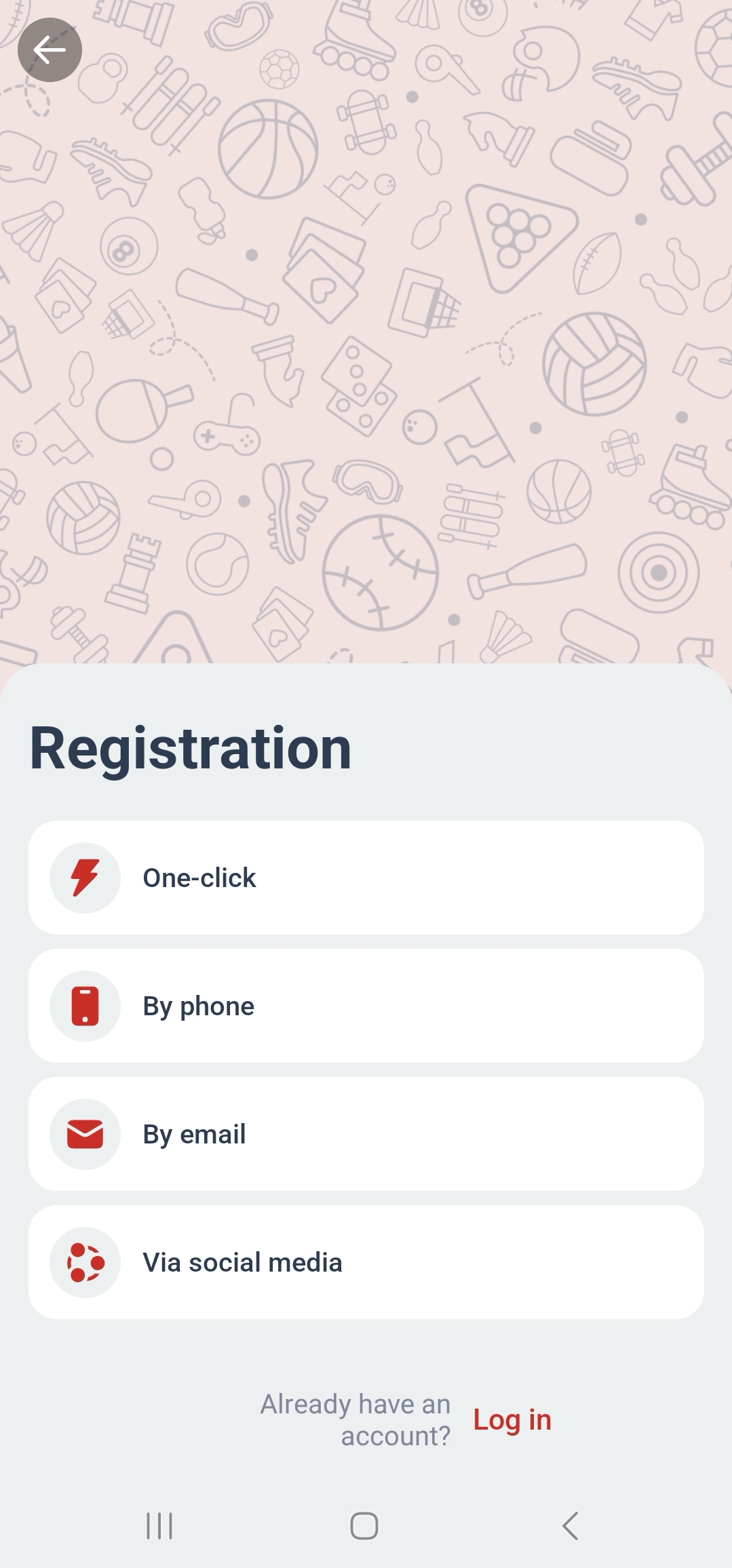
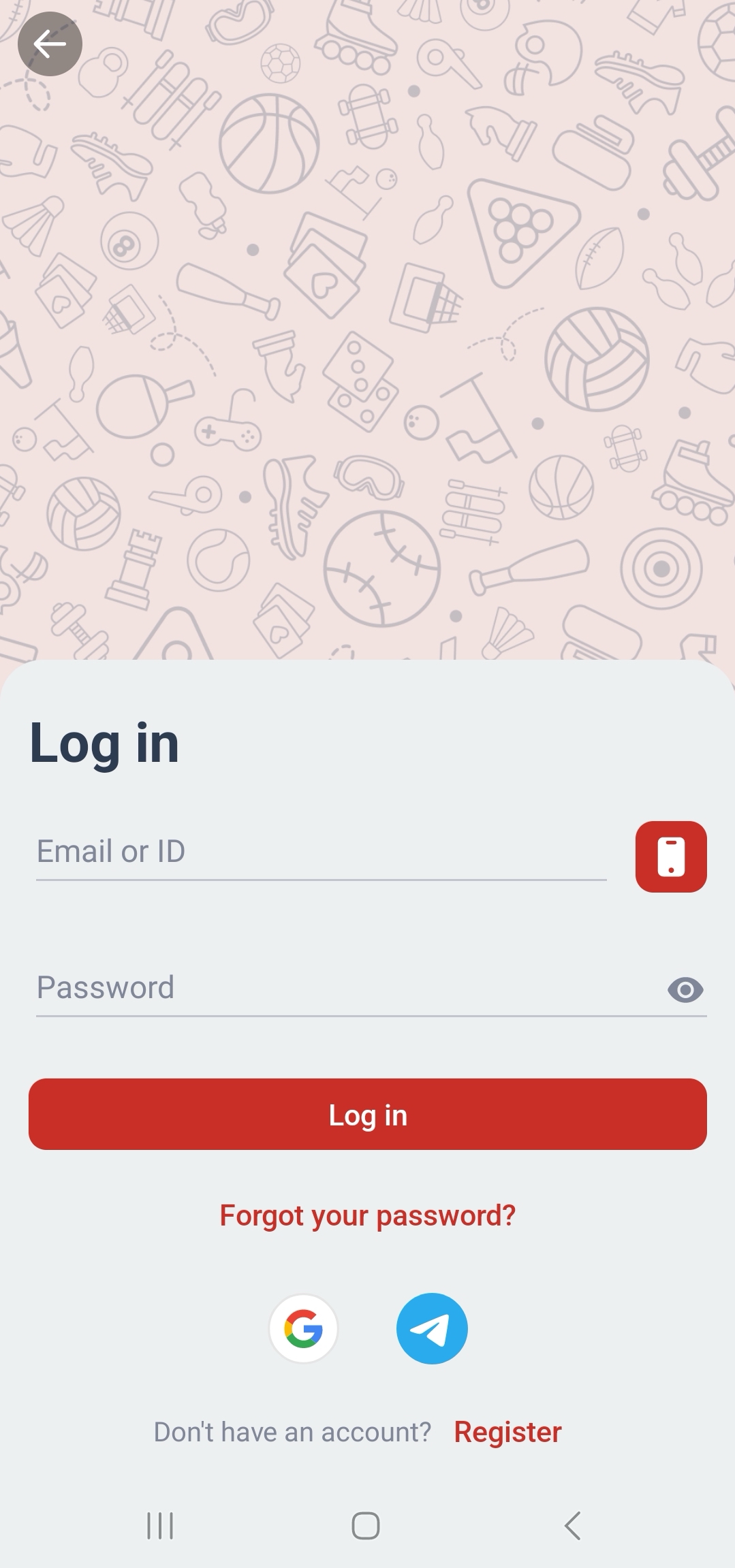
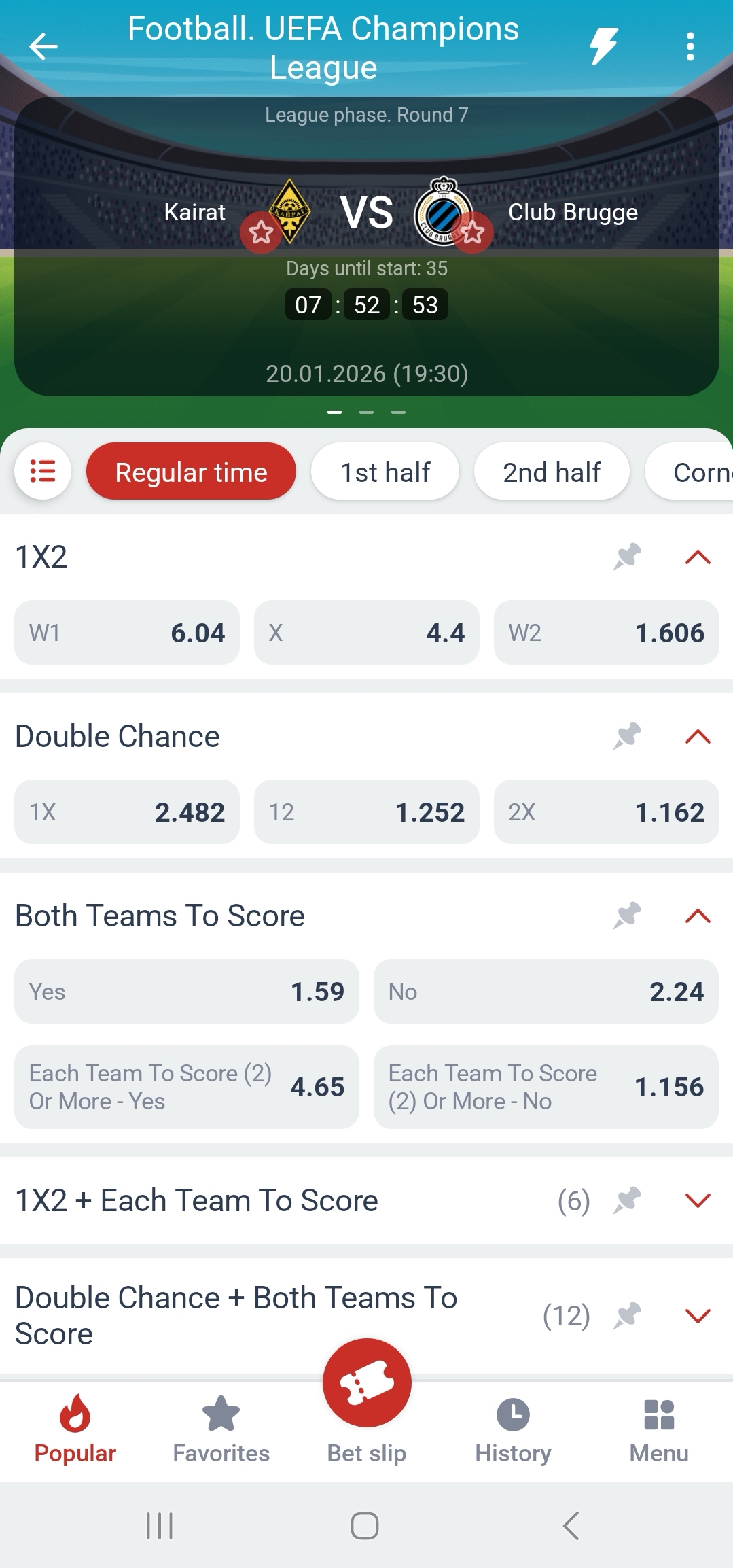
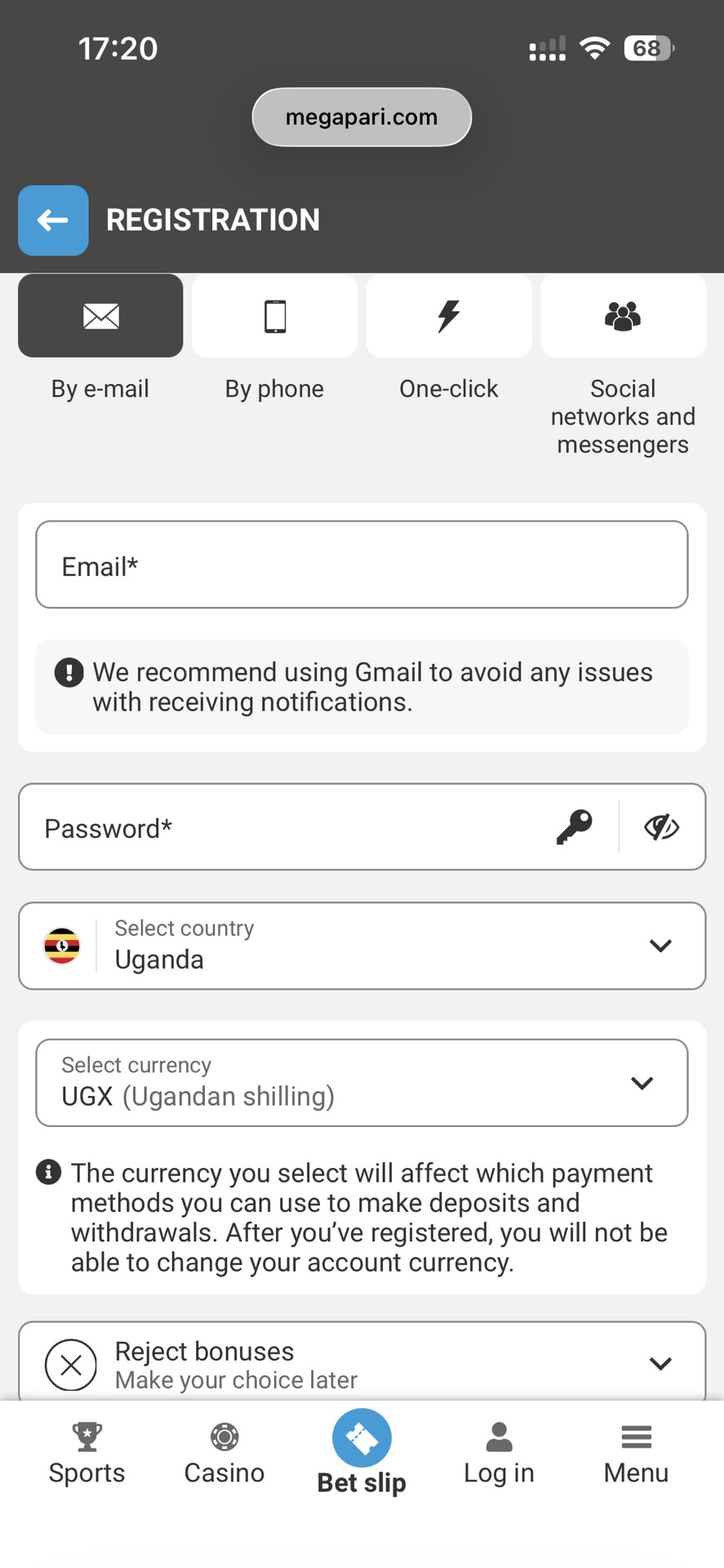
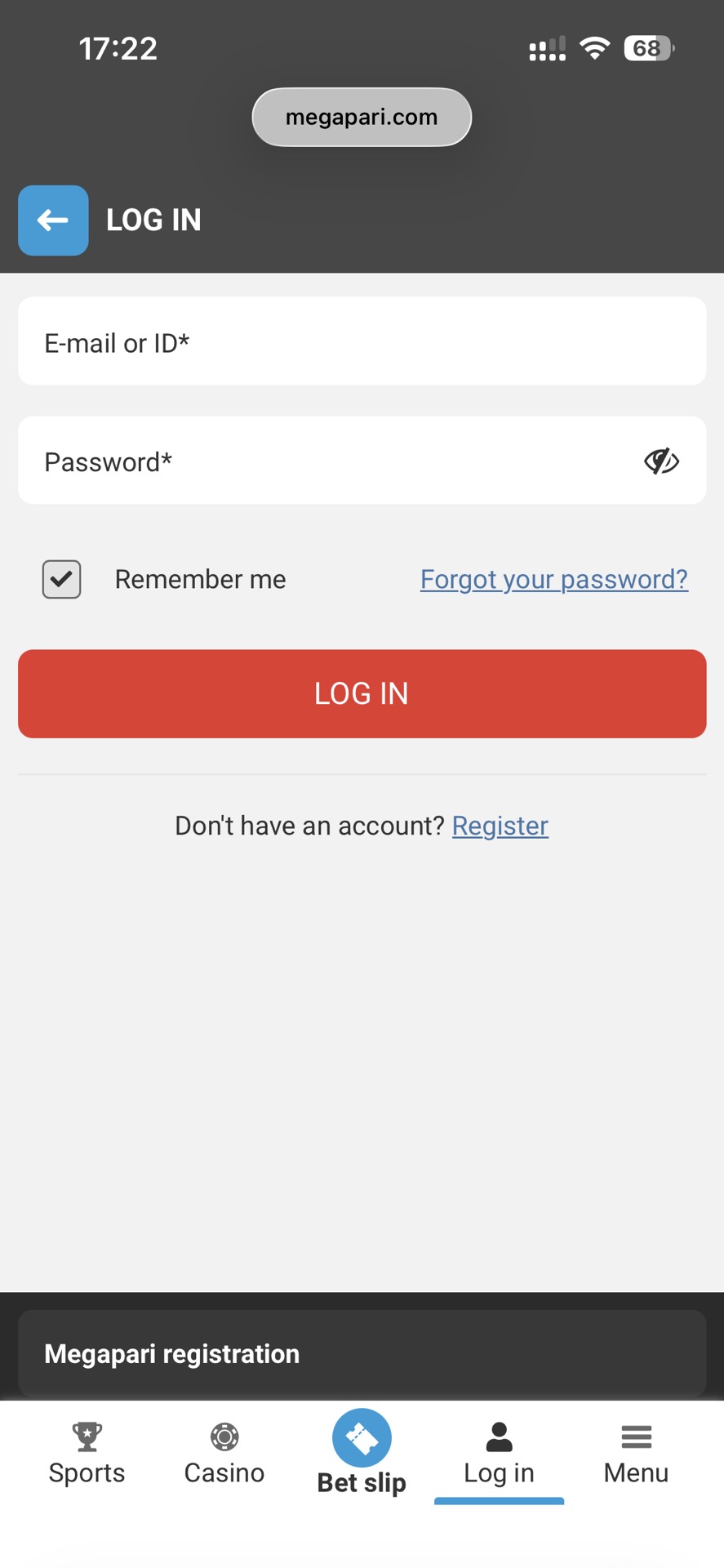
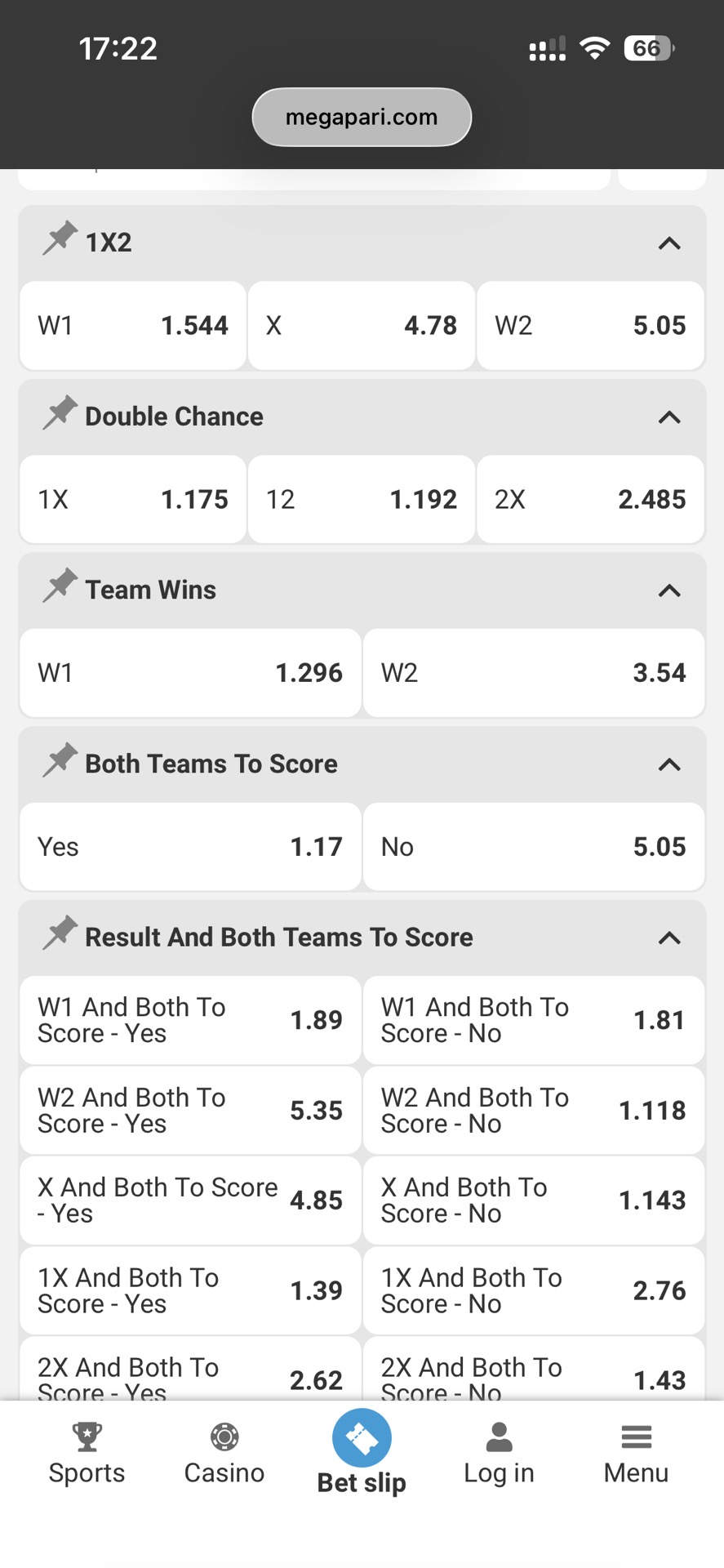
The Megapari mobile app is built to deliver the sportsbook experience on smartphones, focusing on speed, live betting access, and simple account management. According to the platform’s mobile information, the app highlights key features such as live scores and odds updates, quick access to bet history, and a large selection of LIVE events, allowing users to follow matches and place bets directly from their devices.
From an editorial perspective, the interface mirrors the structure of the desktop platform while optimizing navigation for mobile use. Core sections like Sports, LIVE events, account tools, and the wallet/cashier help users move quickly between browsing matches, placing bets, and tracking activity. However, because app availability and installation routes can vary by region, it is important to verify the download source and keep basic installation evidence in case troubleshooting is needed later.





✅️ This page is: a practical mobile guide for Ugandans searching “megapari app / download / apk”: what the app lets you do, how to navigate it, how to install (Android/iOS cues), and what evidence to save if something fails.
❌ This page is not: a list of “official alternative links,” or a guarantee that the app is available in UG stores (that must be verified by store listings you can screenshot).
Most problems people describe as “app issues” are actually navigation or installation source problems.
Two common situations:
- Users cannot find important sections such as Cashier or Bet History.
- Users install the app from a source they cannot verify, which makes troubleshooting difficult later.
For example, someone may say:
“I installed the latest version.”
But they cannot show where the file came from or which menu sections appear inside the app.
To avoid this problem, do three quick checks:
- Build a Menu Map immediately after opening the app.
- Choose Store vs APK using a verification rule.
- If something breaks, send the Evidence Pack instead of guessing.
The Megapari mobile platform is built to replicate core sportsbook functions while optimizing them for mobile devices. The main capabilities highlighted on the platform include:
- Live scores and odds updates
- Quick access to bet history
- A large selection of LIVE events
This means users can browse matches, place bets, and review previous wagers directly within the mobile interface without switching to desktop.
Instead of focusing only on safety tips, this guide turns those features into a platform map, helping users verify what should exist in the app interface.
Menu Map — 6 Sections You Should Look For
Immediately after opening the app (post-install and login), open the main menu (usually a hamburger icon ☰ or bottom navigation) and verify these core sections are present. Availability can vary slightly by region, account status, or app version, but these are standard on the official platform.
Mobile app platform map (verify in your menu)
| Section | Where to find (path) | What you should see | Why it matters |
| Sportsbook | Menu → Sports | Events list + search/filters | Find matches fast |
| LIVE | Menu → Live | Live events + live updates | Live use |
| Bet history | Account → Bets/History | Past bets + statuses | Tracking/disputes |
| Promotions | Menu → Promotions/Bonus | Bonus cards + terms links | Terms-first |
| Wallet/Cashier | Account → Wallet/Cashier | Deposit/withdraw options + notes | Cashier-first truth |
| Support | Menu → Help/Support | Contact channels | Escalation |
💡 Lifehack — 3-click UX test (fast, non-fake)
You can judge usability in 30 seconds, before you deposit.
Category → Search → Filters/Favorites
Screenshot the result; it becomes both an editorial note and an evidence artifact.
When installing the Megapari mobile application, users typically choose between two installation routes:
- Official app store listing
- Direct APK installation
The platform’s mobile instructions confirm that Android APK installation is supported, including enabling the “Install unknown apps” setting on the device. This means APK installation may be valid if the source can be verified.
The safest approach is always to use a verifiable source and keep evidence of where the app was obtained.
Store listing path (Best if Verifiable in Uganda)
If the application is available in the Google Play Store or Apple App Store in Uganda, that route is usually the most predictable.
Store listings provide:
- automatic updates
- developer identity
- a public listing URL
If you find a listing, save the following:
- listing URL
- developer name
- screenshot with date
This makes troubleshooting easier if something breaks.
APK path (acceptable only with source proof)
If the application is not available in a store, the Android APK installation route may be used.
Megapari’s installation instructions describe the process, including:
- downloading the APK file
- enabling Install unknown apps in device settings
- installing the application manually
However, users should only install APK files from sources they can document, because Android warns that files of this type may harm the device if the source is untrusted.
App availability snapshot (UG)
| Item | Value | How to verify (concrete) |
| Official mobile instructions page exists | Yes | Open page, capture URL + timestamp |
| Android install flow described | Yes | Confirm “Install unknown apps” steps are shown |
| Android listing in UG Play Store | Unclear / Often No | Search in UG Play Store; capture listing URL + developer |
| iOS listing in UG App Store | Yes | Search in UG App Store; capture listing URL + developer |
| APK offered on verified route | Yes | Capture page URL + file label + timestamp |
You don’t need a long tutorial—just the official sequence + evidence. So, follow a minimal flow and keep screenshots.
Android install checklist (minimal + evidence)
| Step | What to do | Evidence to save |
| Download | Use a source you can prove | URL + timestamp screenshot |
| Allow install | Enable “Install unknown apps” for your browser/file manager | Settings screenshot |
| Install & open | Install, then open and capture menu map | Menu screenshot |
| Baseline scan | Run Play Protect scan | Scan screenshot |
| Permissions check | Review permissions via Permission manager | Permissions screenshot |
💡Lifehack — Permission red flags (experience trace)
Most bad installs start with one suspicious permission prompt.
Example: App asks for Accessibility “to speed up login.”
So, if you can’t justify a permission, deny it and reassess the source.
Google documents Play Protect scanning and warns it can detect potentially harmful apps, including apps from other sources. Android also supports permission review via Permission manager.
iOS confusion is usually “I can’t find it in the store” as the App Store availability can vary by region.
In this case capture App Store search results screenshot. If the official instructions reference region/country cues, follow those cues—but don’t assume UG availability until you see the listing.
iOS install cues checklist
| Scenario | What to check | Why | Evidence to save |
| Can’t find app in store | Store search results in UG region | Confirms availability/no availability | Store search screenshot |
| Using mobile web | Save a verified route shortcut only after verification | Reduces search roulette | URL + timestamp screenshot |
Most reported problems with betting apps are technical or procedural issues rather than platform failures. Installation settings, outdated files, and login throttling are among the most common causes.
Understanding these patterns helps users resolve problems faster and gather the information needed for support.
“App not installed” / install blocked
Claim: Most install failures are settings, storage, or compatibility.
Why: Android blocks unknown installs by default; low storage breaks installs.
Example: “App not installed” after partial download.
Next action: capture error screen + device/OS + source URL (Evidence Pack).
“Latest version” confusion
Claim: “Latest” only matters relative to a source you can prove.
Why: Third-party mirrors can lag or distribute different builds.
Example: You installed “latest” but it’s older than the publisher’s build.
Next action: tie “latest” to store listing or verified official route evidence.
App opens but login fails
Claim: Many login issues are OTP/lockout or wrong-route issues.
Why: Spam retries cause throttling; wrong portal causes confusion.
Example: Invalid code loop after multiple resends.
Next action: stop retries, capture error, and use the Login page troubleshooting map.
Claim: Support responds to traceable evidence, not long text.
Why: They need URLs, timestamps, device/network context to find logs.
Example: “Download failed” vs “URL + time + device + screen recording.”
Next action: use the evidence pack + ticket template.
Evidence pack (install/login issues)
| Field | What to include |
| Route proof | full URL + timestamp screenshot |
| App source proof | store listing URL OR APK page URL + file label |
| Device | model + OS version |
| Network | Wi-Fi / mobile |
| Error | exact message + screenshot/screen recording |
Support ticket template
| Field | What to include |
| Problem | exact error text |
| Time | timestamp + timezone |
| URL / Screen | full URL / screen name |
| Device | model + OS |
| Network | Wi-Fi / mobile |
| Proof | screenshots / screen recording |
- If the app isn’t listed in UG stores or availability differs by device/account, this guide won’t guess; it will stay — until you verify the listing.
- If you installed an APK from an unknown mirror and can’t prove the source, dispute resolution becomes harder; return to a source you can document.
- This is operational app guidance, not legal advice for Uganda.
👉 Megapari Login Uganda Guide: https://ghanasoccernet.com/ug/wiki/megapari-uganda-login/
👉 Megapari Review Uganda: https://ghanasoccernet.com/ug/review/megapari-uganda/

FAQ (UG) — (FAQ-only)
— until you verify via UG store listing URL + developer identity. Last verified: —.
Only if it comes from a source you can prove (URL + timestamp + file label) and you keep evidence.
Build the Menu Map (Table 1): Sports, LIVE, Bet history, Promotions, Wallet/Cashier, Support.
Evidence pack: URL + timestamp + device/OS + error screenshot. (“yingira” used FAQ-only)










Leave a review about Megapari Uganda Mobile App
Thanks for your help!
We appreciate your alertness!
All info about Megapari Uganda Sportsbook