
Users' Choice






Sahara Games Uganda Mobile App for Android & iOS 2026
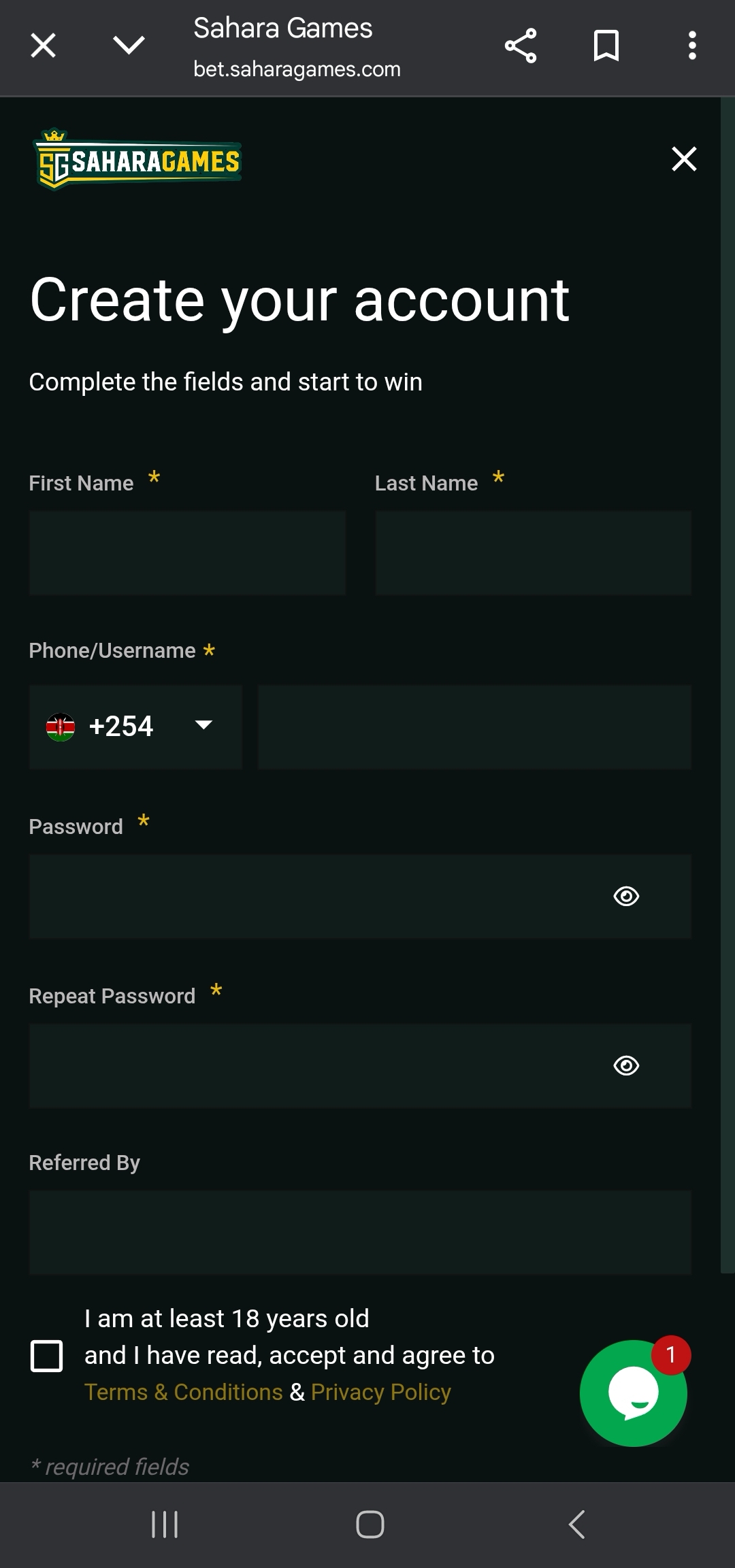
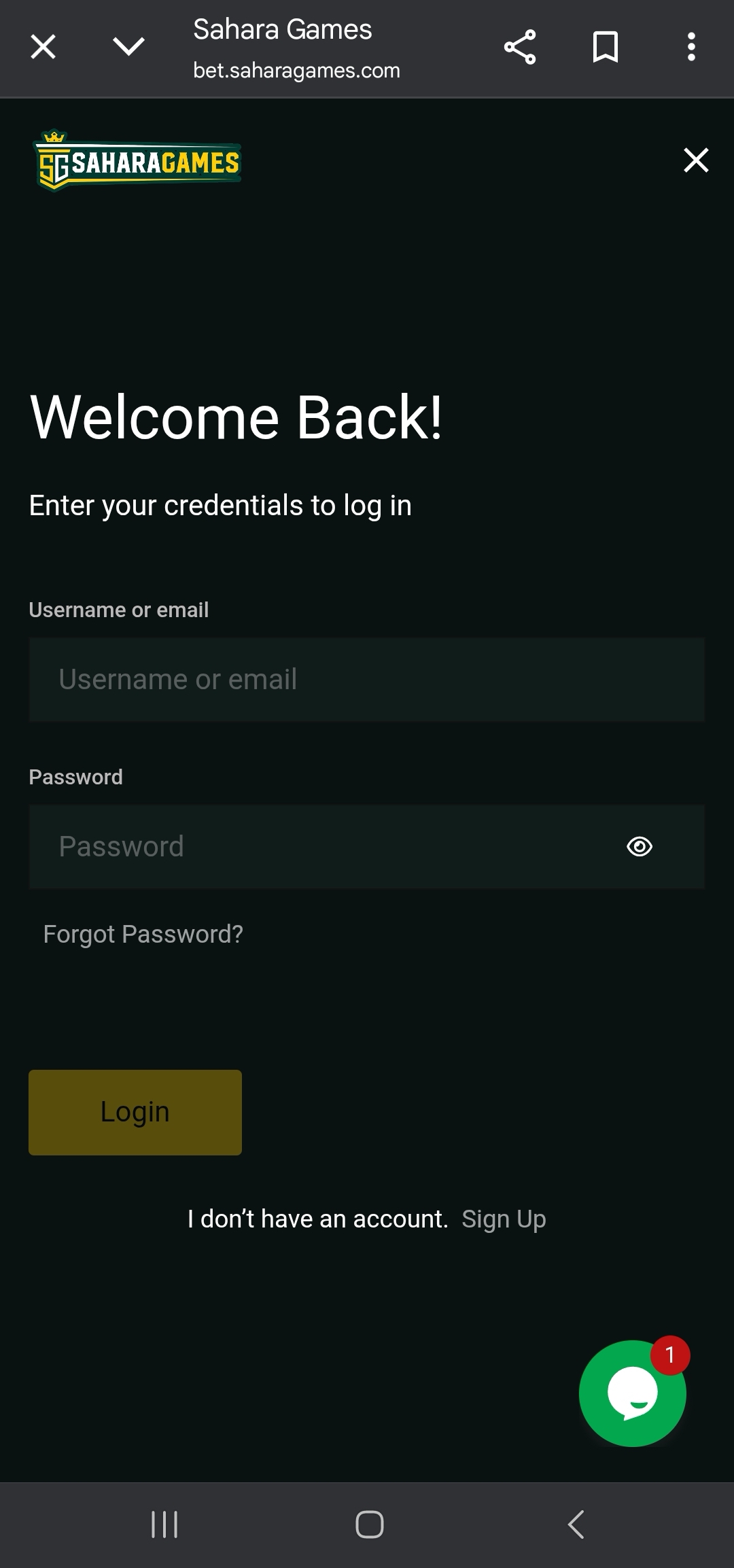
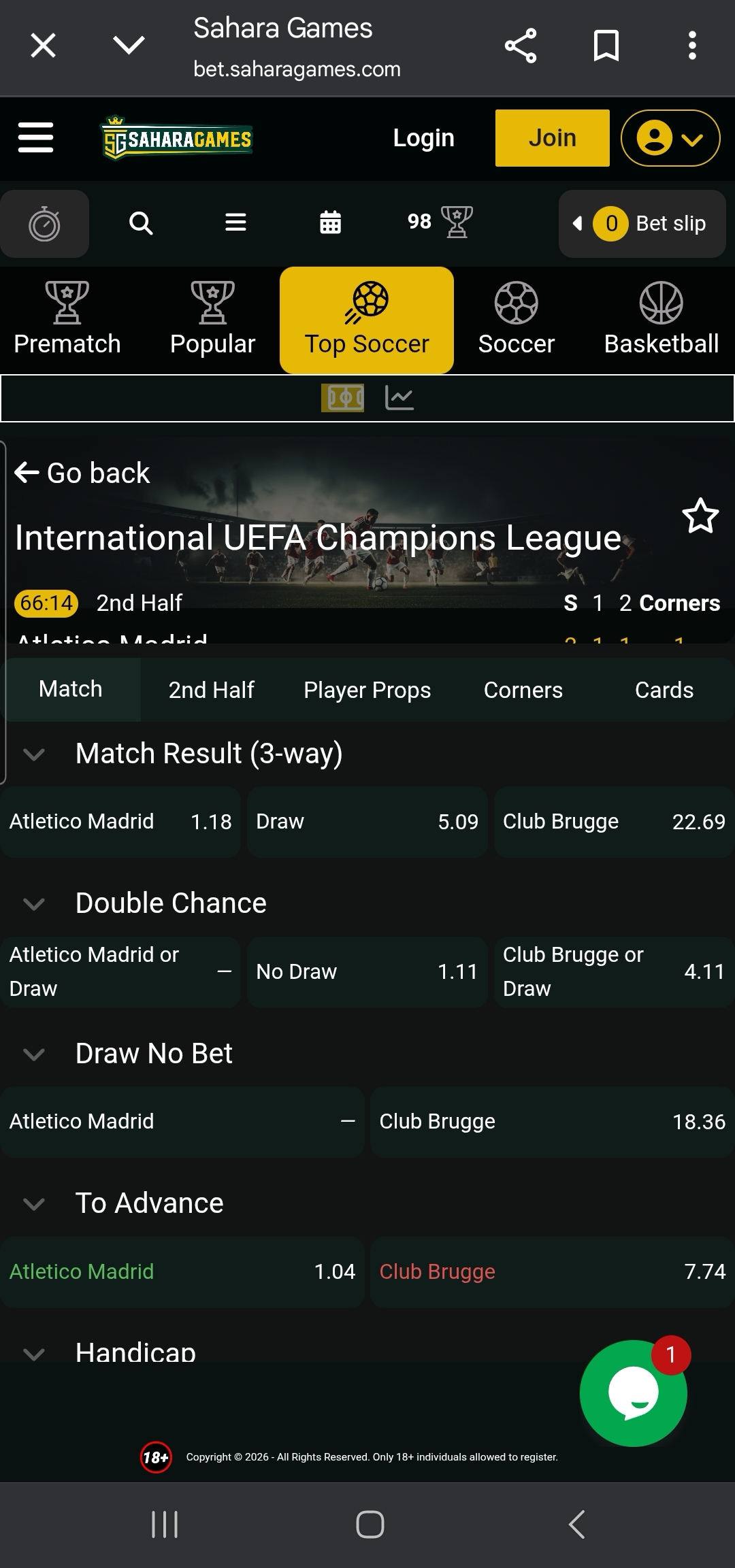
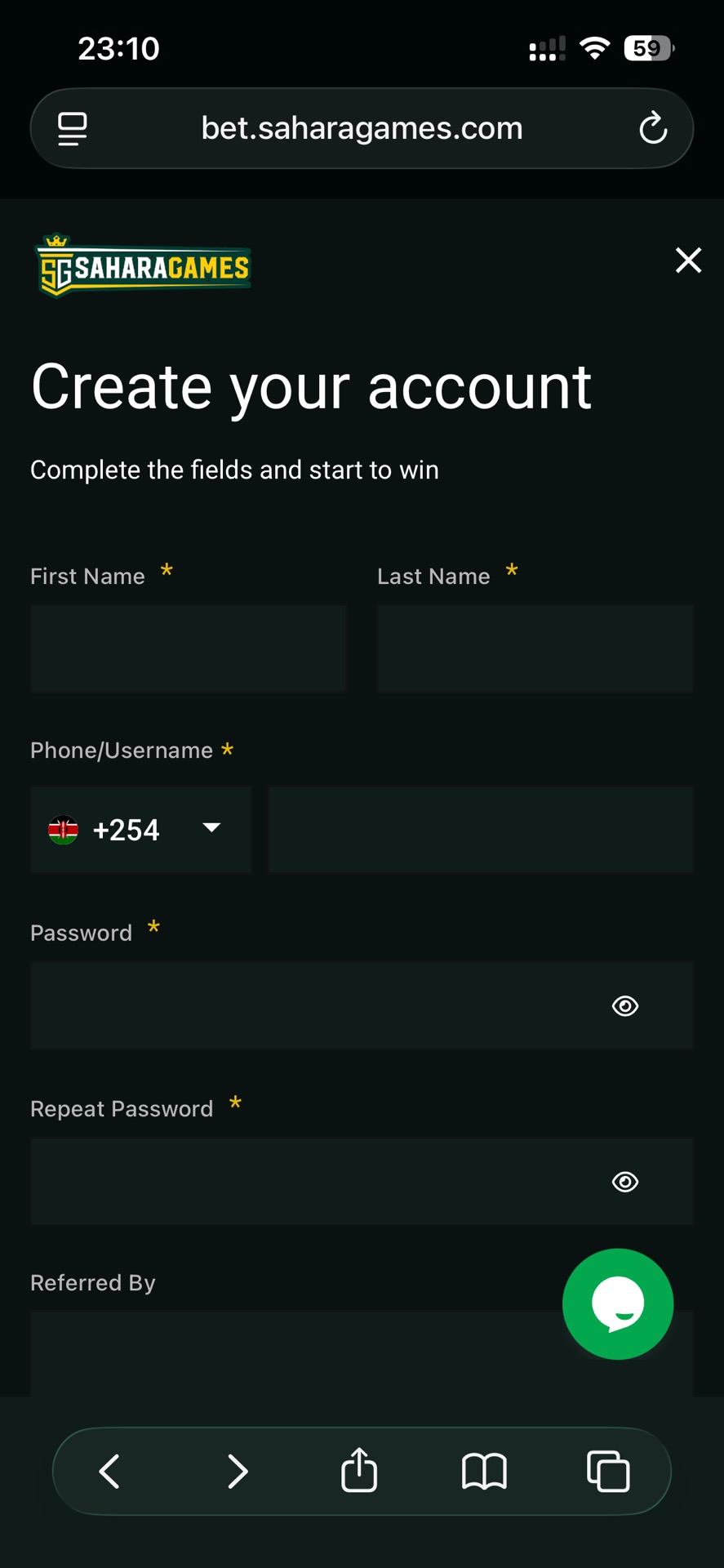
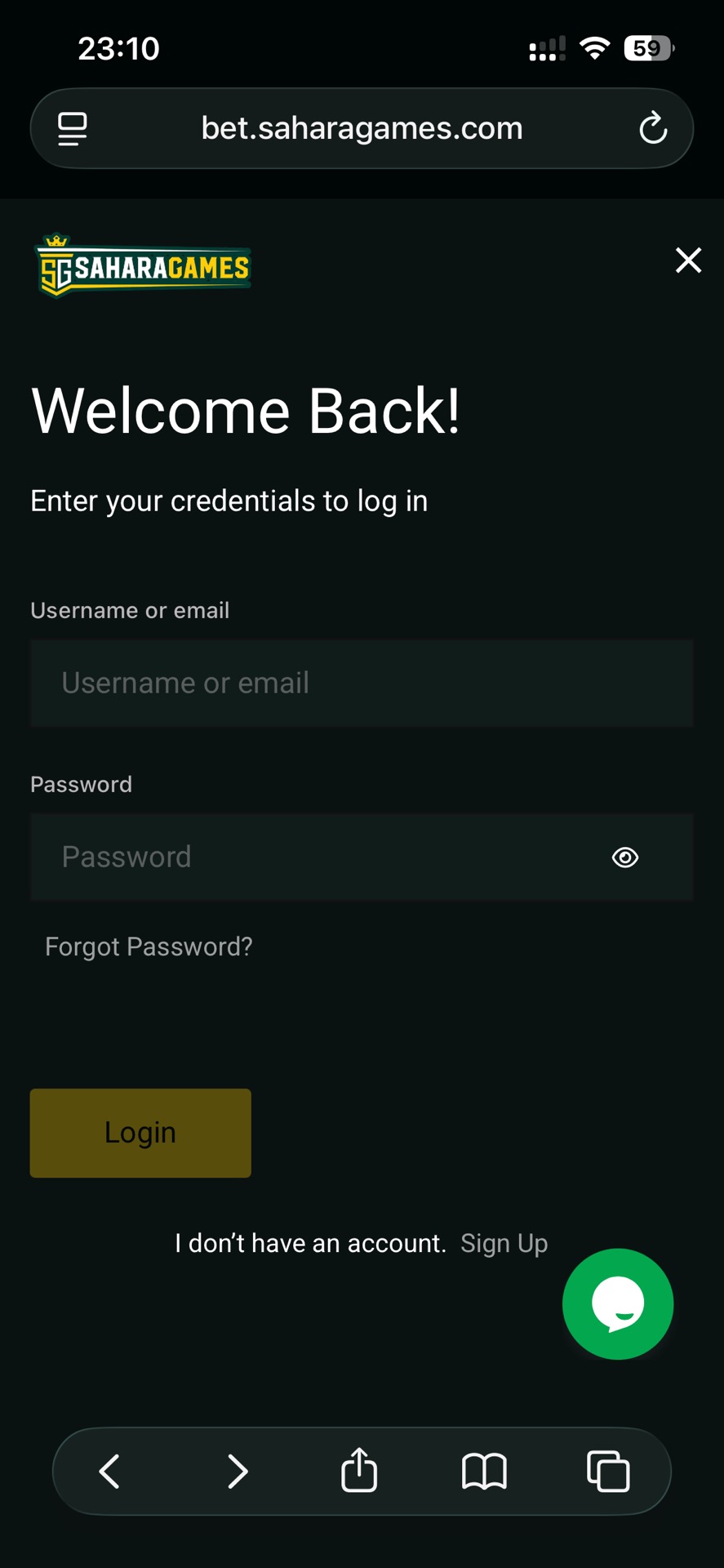
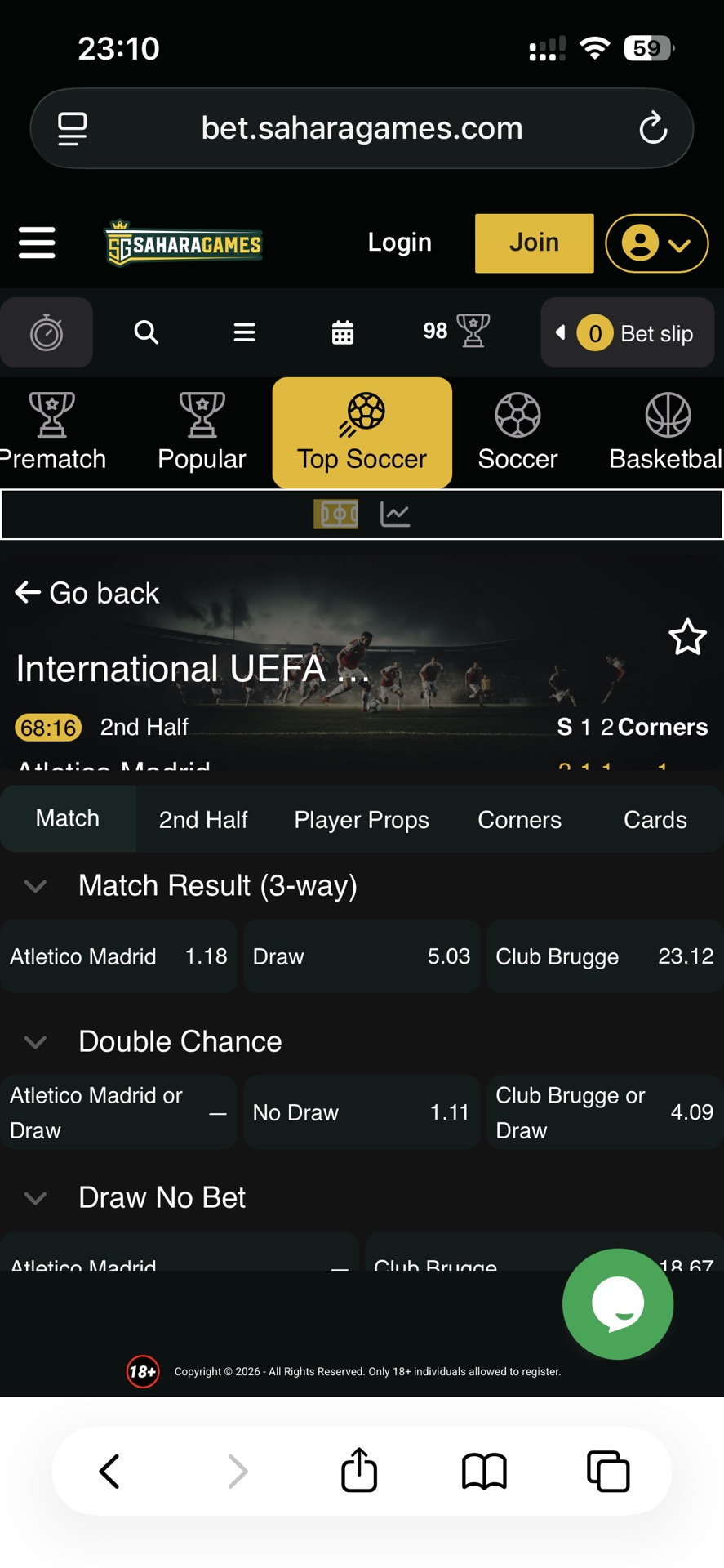
Sahara Games Uganda is accessed via the ug.saharagames.com domain and presents itself as an 18+ platform with Uganda-based support contacts. In the publicly visible footer and legal navigation available without login, the site does not clearly display a Ugandan regulator name or licence number, so licensing is not immediately verifiable from the front-facing pages alone.
What stands out about Sahara Games in Uganda is its web-first distribution and network-style growth approach. The site promotes Agent and Affiliate pathways and also surfaces a “PLAY CRYPTO” entry point, signalling a platform built for multiple access routes and user acquisition beyond app-store installs.




Android — Download & Install (official)
Sahara Games Uganda is best used through the mobile-optimised website, as no official Sahara Games Uganda sportsbook app listing was found in a quick Google Play check.
To begin betting on mobile:
- Open the official Sahara Games Uganda site in your mobile browser.
- Register / Log in directly through the site.
- If you want quicker access, bookmark the website or add a shortcut to your home screen.
- Keep 200–300 MB free storage for cache and a stable connection during betting and site navigation.
That’s enough to start browsing markets, funding your account, and placing bets without installing anything.
iOS — PWA / Add to Home Screen
On iPhone, the safest route is also the mobile website, as no official Sahara Games Uganda sportsbook app listing was found in a quick Apple App Store check.
To use Sahara Games on iOS:
- Open Sahara Games in Safari.
- Tap Share → Add to Home Screen → open the new icon → Login.
- Note: This is site‑based access only (no app store app). Some features might feel different compared to native applications.
This shortcut keeps access fast while staying fully within the official web route.
App Login — quick
Login is handled through the mobile site and usually includes OTP checks when required.
To log in quickly:
- Open the mobile website → tap Login.
- Enter your registered phone number/email and password → confirm via SMS/email if required.
- Try clearing cache, switching network modes, or disabling VPNs if you encounter access issues.
Once you’re in, keep your session stable by avoiding rapid network switching during deposits or live betting.
| Component | Minimum | Recommended | Notes |
| Android OS | 8.0+ | 10.0+ | Works via mobile browser |
| iOS (PWA) | Safari (latest) | iOS 16+ | Use “Add to Home Screen” |
| Storage | 200–300 MB free | 400+ MB | Space for browser cache, media |
| Network | Stable 3G/4G | 4G / Wi‑Fi | Best for live betting and stats |
| Permissions | SMS (OTP) | Same | Needed for verification |
| Time & Date | Auto‑sync on | Auto‑sync on | Prevents OTP issues |
Sahara Games Uganda is primarily a web-led platform, designed for quick mobile access via a browser rather than a native app. Both Android and iPhone users can log in, place bets, and manage their accounts through the mobile-optimised site. Adding the website to your home screen creates a fast “app-like” shortcut, which is recommended since no official Google Play or App Store apps are confirmed for Uganda.
Overall, Sahara Games Uganda provides a flexible mobile experience focused on browser-based access, suitable for bettors who prefer lightweight, shortcut-driven use rather than downloading an app.
At the time of review, no official Sahara Games Uganda betting app listing could be confirmed via Google Play, and the safest default is to use the mobile website.
To access Sahara Games on Android:
- Open the official Sahara Games Uganda website in your mobile browser.
- Register or log in through the site.
- Add the website to your home screen for faster access.
- Maintain a stable internet connection during live betting and payments.
If an official Android app becomes available later, it should be verifiable in Google Play and/or clearly linked from the bookmaker’s own website.
At the time of review, no official Sahara Games Uganda betting app listing could be confirmed in the Apple App Store, so iPhone users should use the web version.
To use Sahara Games on iPhone:
- Open Safari and visit the official Sahara Games Uganda website.
- Tap Share → Add to Home Screen.
- Launch the shortcut icon and log in to your account.
- Keep iOS and Safari updated for smoother performance.
Until a verified App Store listing is clearly provided, the web-based version remains the recommended iOS route.
Because Sahara Games Uganda operates primarily through a mobile browser, the practical requirements are about stability: use an updated Chrome/Safari/Firefox build, keep at least 200–300 MB free storage for caching, rely on stable 4G or Wi‑Fi for live odds and site navigation, and keep SMS available for OTP verification. Automatic time/date synchronisation should remain enabled because time mismatch is a common cause of OTP and login failures.
Sahara Games’ mobile website is designed to work in short sessions, which fits everyday phone betting: quick login, simple navigation, and fast bet placement without heavy menu depth. Even when you are not actively betting, the mobile interface is still useful for checking fixtures, monitoring outcomes, reviewing bet history, and managing account settings.
A noticeable feature in the footer navigation is the “PLAY CRYPTO” entry point, which suggests the platform supports an additional access or product mode behind login. For best performance, keep your browser updated, avoid letting cache/storage get completely full, and refresh the page if odds or market pages feel delayed during peak match periods.
Registration is mobile-friendly and usually relies on a phone number plus OTP verification to activate the account. Using your real and active phone number matters because it is commonly tied to security checks and payout confirmation.
To register:
- Open the Sahara Games Uganda website and tap Register / Sign Up.
- Enter your phone number (or email if offered) and create a strong password.
- Confirm the OTP code sent by SMS if prompted.
- Complete any required personal details and accept the terms (18+).
- Log in and proceed to the cashier to make a first deposit.
Once registration is complete, you can usually bet immediately, but withdrawals may require additional verification later depending on account activity.
To log in:
- Open the website (or your home‑screen shortcut) and tap Login.
- Enter your registered details and password, then complete OTP if required.
- Use the password reset option if you can’t access your account.
- If access issues persist, clear cache and retry on a stable network.
Following this sequence reduces common problems like OTP delays, repeated login loops, and session timeouts.
Sahara Games Uganda’s payment methods and limits are typically displayed inside the cashier after login, and they are not clearly listed on the publicly visible pages available before sign-in. The most reliable routine is to open the cashier first, choose a method you can also use for withdrawals, and confirm the minimum/maximum limits shown on-screen before you transact.
Withdrawal timing depends on verification status and the selected payout method. To reduce delays, keep your payment details consistent with your profile, double-check phone numbers and references before confirming, avoid switching networks mid-transaction, and keep confirmation messages until your balance and transaction history update.
| Issue | Typical symptoms | Fix (step-by-step) | Escalate if… |
| Site not loading | Blank pages/loading errors | Switch network → refresh → clear cache | Stable connection but still fails |
| Login problems | Cannot sign in | Reset password → verify details | Login still fails repeatedly |
| OTP not received | No SMS code | Resend → check number format → auto time/date | No OTP after multiple attempts |
| Slow odds updating | Delayed live odds | Refresh page → switch Wi-Fi/data | Odds never update |
| Deposit delays | Funds not showing | Wait 24 hrs → contact support | Funds missing after 24 hrs |
| Withdrawal delays | Withdrawal pending | Check transaction status → contact support | Still pending after 24 hrs |
👉 Support hand‑off: Include your username/ID, device and OS, browser version, issue description, and screenshots for faster resolution.
Sahara Games Uganda is best approached as a web-led platform. The mobile website is the primary access route, and adding it to your home screen gives an app-like experience without depending on app-store listings. For users who prefer a lightweight setup, this is often more reliable than chasing unofficial downloads.
The main trade-off is front-end transparency: licence information and cashier limits are not clearly displayed on the public pages visible before login, so users who care about verification should confirm licensing statements and transaction rules inside the platform before depositing significant amounts. Overall, Sahara Games can suit bettors who want straightforward mobile access and a network-driven platform style, provided they verify key trust details early.

Frequently Asked Questions (FAQ)
On the publicly accessible pages reviewed, a Ugandan regulator name and licence number are not clearly displayed. If licensing clarity matters to you, confirm the operator’s licensing statement inside the platform before depositing.
A Sahara Games Uganda betting app listing was not confirmed in a quick Google Play check. The safest option is to use the mobile website and add it to your home screen.
A Sahara Games Uganda betting app listing was not confirmed in a quick Apple App Store check. iPhone users should use Safari and “Add to Home Screen” for faster access.
The operating currency is best confirmed during registration and in the cashier screen after login, because it is not clearly published on the public footer pages.
Payment methods are shown inside the cashier after login. Check the cashier to confirm which local options are supported and what limits apply.
Withdrawal timing depends on verification status and the payout method selected in the cashier. If a withdrawal remains pending after 24 hours, contact support with your transaction reference.
OTP issues are usually caused by weak signal, incorrect number format, or device time mismatch. Enable auto time/date sync, confirm your number format, and resend the OTP on a stable connection.










Leave a review about Sahara Games Uganda Mobile App
Thanks for your help!
We appreciate your alertness!
All info about Sahara Games Uganda Sportsbook