
Users' Choice






Ababet Uganda Mobile App for Android & iOS 2026
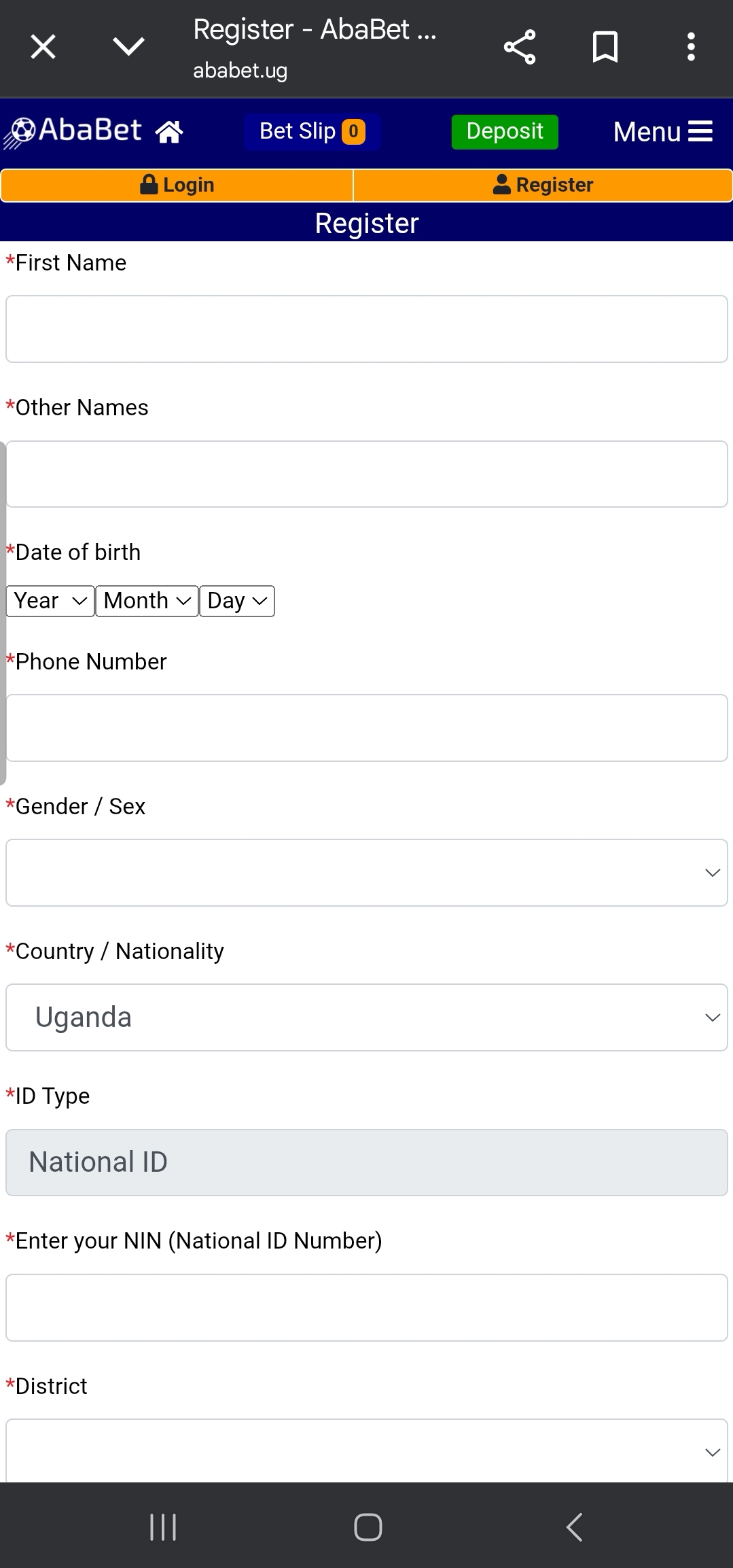
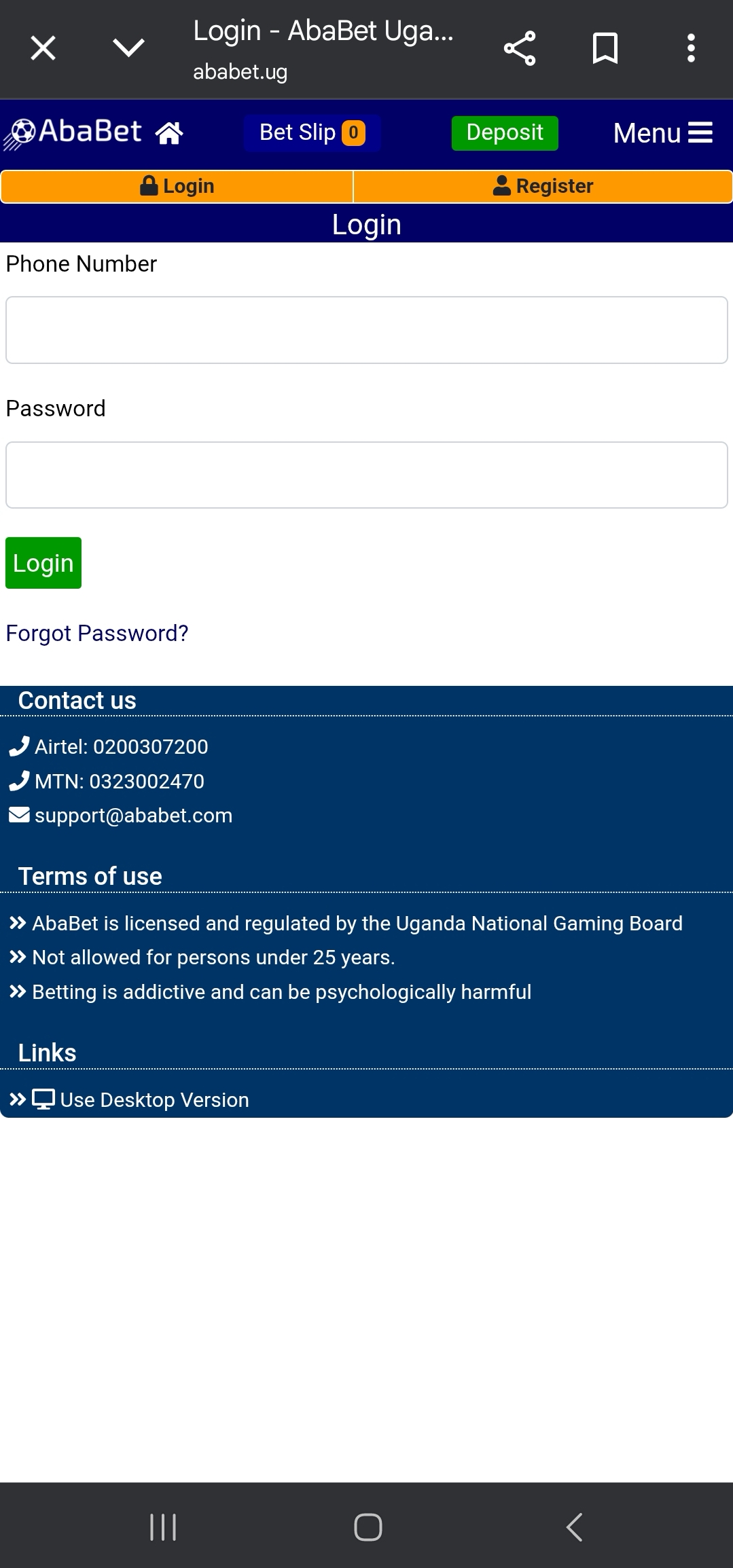
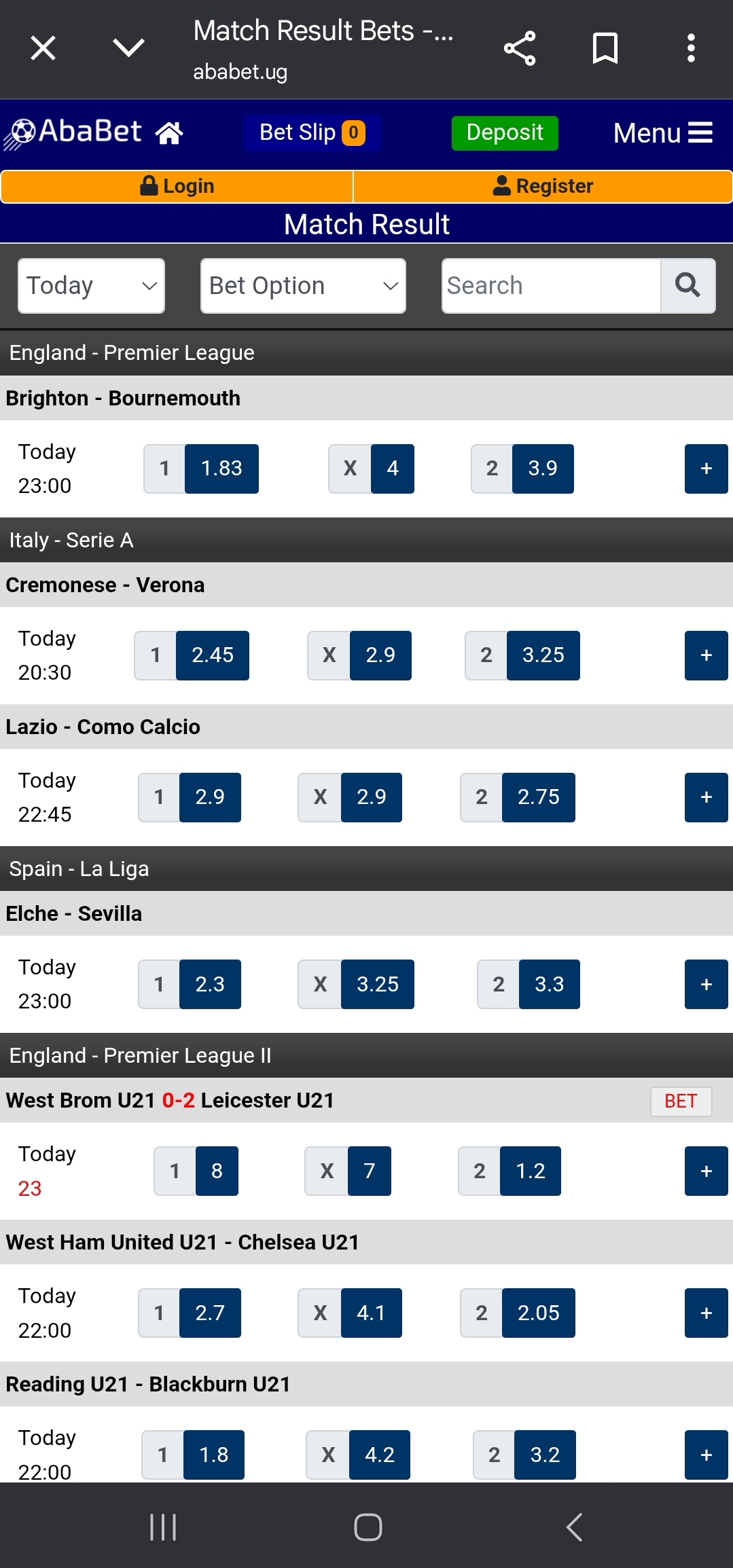
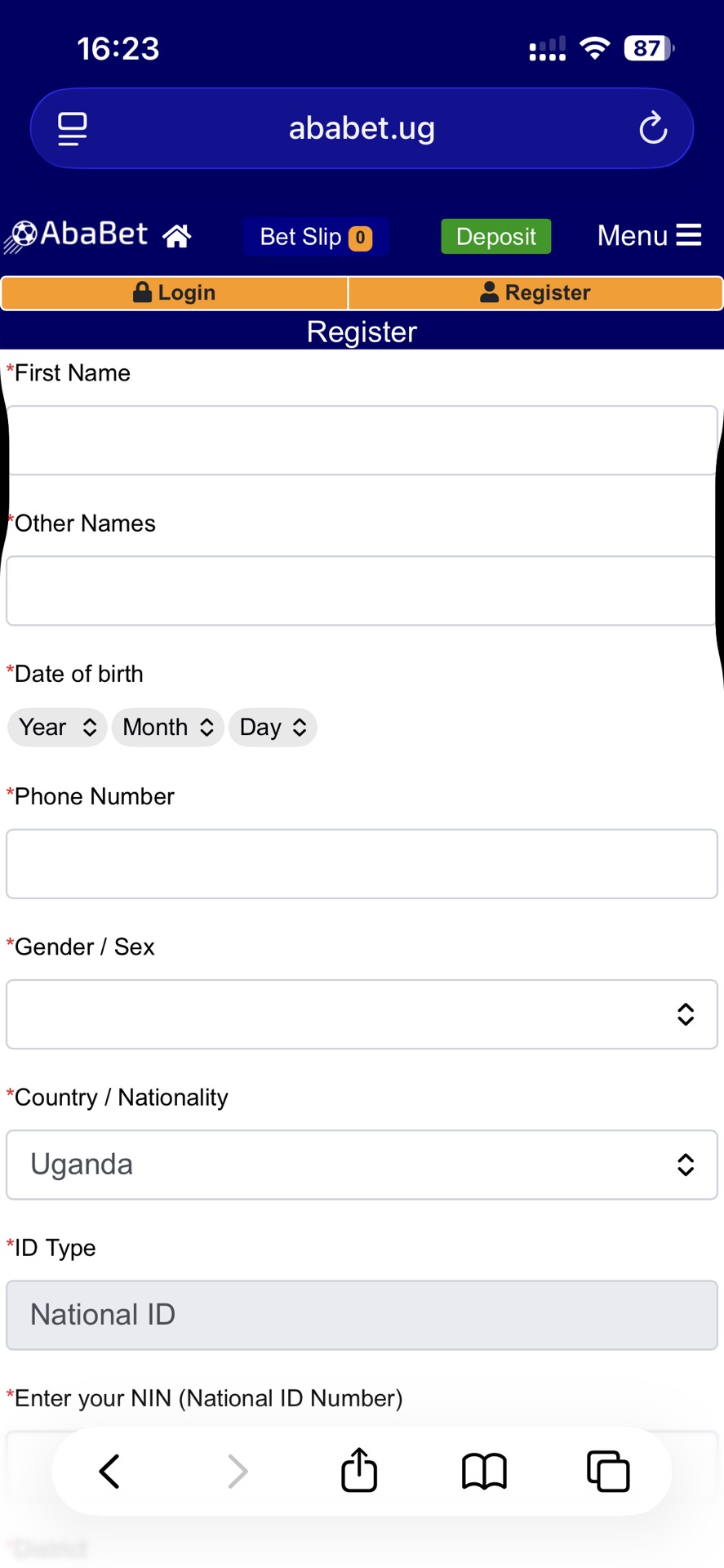
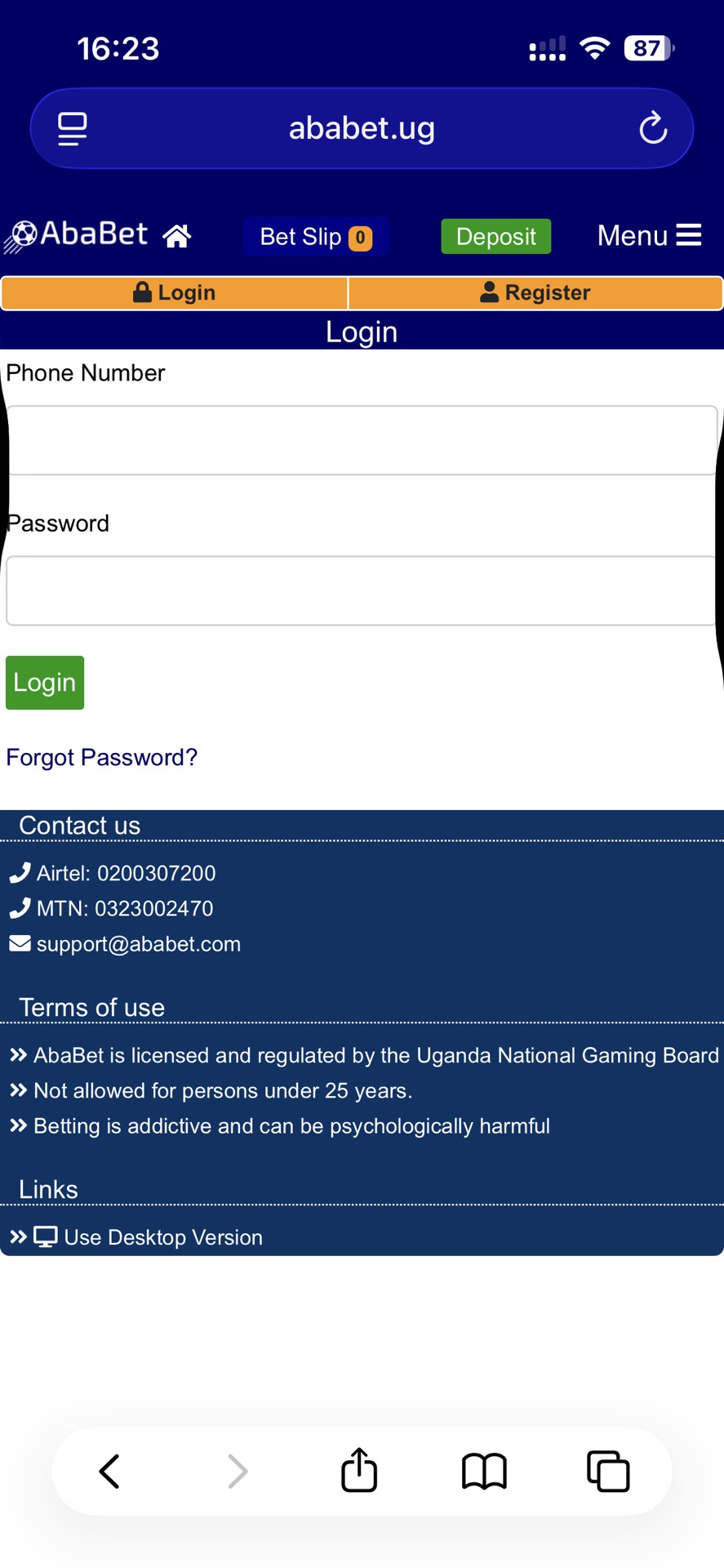
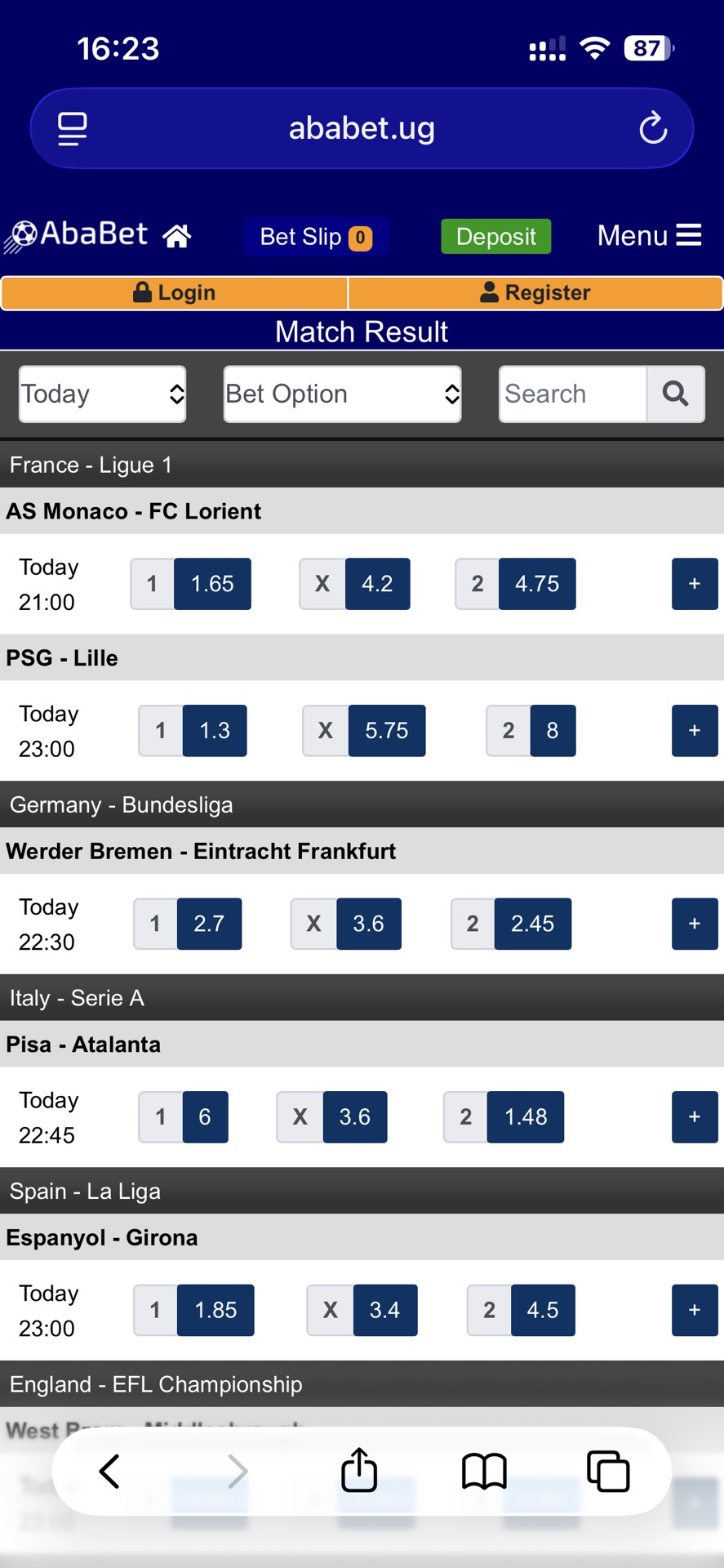
The Ababet app is widely used by Ugandan bettors seeking a fast, simple, and mobile-friendly betting solution. While many expect a downloadable application, AbaBet actually operates through a powerful, mobile-optimised website that delivers full betting functionality without any installation.




Many users expect to find the latest version of the AbaBet app on Google Play or the App Store, but there is currently no official mobile app or APK. Instead, AbaBet operates through a fast, mobile-optimised website that works smoothly on Android, iOS, and even basic phones.
What makes AbaBet stand out is its support for local payment methods like MTN Mobile Money and Airtel Money, allowing quick deposits and withdrawals in UGX without international cards. The platform offers a wide range of sports, including international football and local Ugandan leagues, with competitive odds and low withdrawal limits starting from 2,000 UGX.
AbaBet is fully licensed by the Uganda National Gaming Board and promotes responsible gaming, with age restrictions (25+) and clear betting warnings. Overall, it’s a reliable and accessible option for Ugandan bettors who prefer mobile betting without downloading an app.
Since there is no official Ababet APK, Android, or iOS application, users cannot download it from the Google Play Store or Apple App Store. Any app claiming to be the bookie outside the official website should be considered fake or risky.
To access AbaBet on your phone:
- Open your browser (Chrome, Safari, Opera, etc.)
- Visit the official AbaBet website
- Log in or register
- Start betting instantly
This method works on both Android and iPhone devices without limitations.
Instead of downloading an app, AbaBet offers instant, secure betting directly on its mobile website.
System Requirements
Since AbaBet works through a web browser, the system requirements are minimal:
- Any smartphone (Android or iPhone)
- Any basic internet browser
- Stable internet connection or USSD access
- Active MTN or Airtel mobile money line
No extra RAM, storage, or app installation is required.
AbaBet’s low system requirements make it accessible even on low-end smartphones in Uganda.
Ababet leverages Progressive Web App (PWA) technology, turning its website into an installable app without the need for app stores. This PWA delivers offline capabilities for viewing past bets and push notifications for live odds—perfect for on-the-move Ugandans.
To add the Ababet PWA to your Android home screen:
- Open Chrome and visit ababet.ug.
- Tap the three-dot menu in the top right.
- Select “Add to Home screen” or “Install app.”
- Name it “Ababet” and tap “Add.” An icon appears on your home screen that launches the site in app-like mode.
For iOS:
- In Safari, go to ababet.ug.
- Tap the Share icon (square with upward arrow).
- Scroll to “Add to Home Screen.”
- Confirm, and the icon will be added to your apps.
Once added, the PWA works offline for basic functions like checking balances (syncs when online). It’s secure, with SSL encryption, and feels native—no browser bars cluttering the view. In Uganda, where many rely on feature phones, this PWA bridges the gap, ensuring everyone can join the action.
AbaBet’s mobile platform supports all major betting operations, including:
- Online betting
- USSD betting
- Free bet redemption
- Deposits and withdrawals
- Live betting
- Bet slip and ticket tracking
- Account balance checks
Users can place bets even when they have no credits, as winnings can be used to place bets. This gives active bettors the flexibility to manage their balances carefully.
AbaBet’s mobile features ensure users can enjoy full betting services directly on their phones.
Logging into the Ababet app is straightforward and secure, using your registered phone number and PIN. On the mobile site or PWA:
- Open ababet.ug in your browser or tap the home screen icon.
- Tap “Login” at the top.
- Enter your phone number (e.g., +256 format) and four-digit PIN.
For USSD Ababet login, users dial:
- 18560# for Airtel
- 18590# for MTN
From the menu, users can access betting, balance, withdrawals, and tickets.
AbaBet offers flexible login access via both the internet and USSD, making it reachable for all users.
Funding and cashing out on the Ababet app is a breeze, integrated with Uganda’s top mobile wallets. All transactions are in UGX, with no hidden fees.
For Deposits:
- MTN Mobile Money: Dial *165#, select 4 (Payments) > 4 (Goods and Services) > Enter “QP” as merchant code > “BET” as reference > Amount (min 1,000 UGX) > PIN. Or tap “Deposit Now” on the site to initiate a prompt transaction.
- Airtel Money: Tap “Deposit Now” and enter PIN, or dial 18560# > 2 (Deposit) > Amount > PIN.
Ababet deposit reflects instantly, ready for betting.
For Withdrawals:
- Minimum: 2,000 UGX.
- Methods: Log in and tap “Withdraw,” then fill out the mobile transfer form. Or dial 18560# (Airtel) > Withdraw > Follow prompts. SMS option: Text “GET [amount]” to 6969 (e.g., “GET 10000″—airtime required).
- Funds hit your phone in minutes; cash out at agents.
Ababet processes withdrawals 24/7, with limits up to 5,000,000 UGX daily. Always verify your details to avoid delays.
AbaBet’s bonus section rewards loyal users with Free Bet Points. These points:
- Can be redeemed for real-money bets
- Increase based on how often you bet
- Are accessed via the “Redeem Free Bet Points” button
Once redeemed, your credits increase automatically, and you can start betting immediately. AbaBet’s free bet system rewards consistent users with more winning opportunities.
Encountering glitches? The Ababet app is robust, but mobile hiccups happen. Here’s how to fix common issues:
- Slow Loading: Clear browser cache (Settings > Apps > Browser > Storage > Clear Cache). Switch to Wi-Fi or reduce data saver mode.
- Login Errors: Ensure the PIN is correct; reset if needed. Check network—USSD works offline.
- Opera Mini Display Fix: Open Opera > Tap red icon (bottom right) > Data Savings > Settings > Turn off. Reload Ababet.
- Payment Failures: Verify PIN and balance. Contact support if it persists.
- PWA Not Installing: Update the browser; ensure 100 MB of free space.
For persistent problems, screenshot and email support. Ababet’s uptime is 99%, so most fixes are quick.
While many Ugandans search for the Aba Bet app, the truth is that the bookmaker operates via a powerful mobile web platform rather than a downloadable app. This AbaBet Uganda web-based solution offers complete betting functionality, secure UGX deposits and withdrawals, free bets, and even USSD betting without internet access.
With regulatory approval from the Uganda National Gaming Board, multiple payment options, and responsive support, AbaBet remains one of the most accessible betting platforms in Uganda today.

Ababet Ug App FAQs
Absolutely. Ababet is fully licensed by the Uganda National Gaming Board, ensuring fair play and data protection via SSL encryption in freedom. Transactions use trusted local gateways, and the PWA avoids risky downloads. Just stick to the official site to sidestep phishing.
Since there is no app, the Ababet register procedure is done through the website or USSD by following the registration prompts.
There is no Windows app. AbaBet only works through web browsers.
Make sure you fund your account first (MTN/Airtel). Browse sports, tap selections to build your slip. Enter stake in UGX, review, and hit "Place Bet." Use USSD for no-data bets: Dial code > Select games > Prediction > Stake. Check slips in "My Account > Bets."
No updates are required since AbaBet works directly through the website.
The platform is optimised for easy English-based navigation for Ugandan users.
You can contact AbaBet customer support through Airtel at 0200307200 or MTN at 0323002470 for fast phone assistance. For email support, users can reach the team via [email protected] for detailed inquiries. AbaBet support is always available to help with deposits, withdrawals, login issues, wins and general betting assistance.










Leave a review about Ababet Uganda Mobile App
Thanks for your help!
We appreciate your alertness!
All info about AbaBet Uganda Sportsbook